> For AI agents: the complete documentation index is available at /llms.txt, the full documentation bundle is available at /llms-full.txt.
# How to Manage VPS Power Operations in CrownPanel
This article explains how to boot, reboot, shut down, or hard reboot your VPS from CrownPanel using the available power control options.
## Open the Power Control Tab
### Click Manage
Click on the **Manage** button beside the VM you wish to manage.
 ### Open the Power Control tab
Switch to the **Power Control** tab.
 ## Starting/Booting the VPS
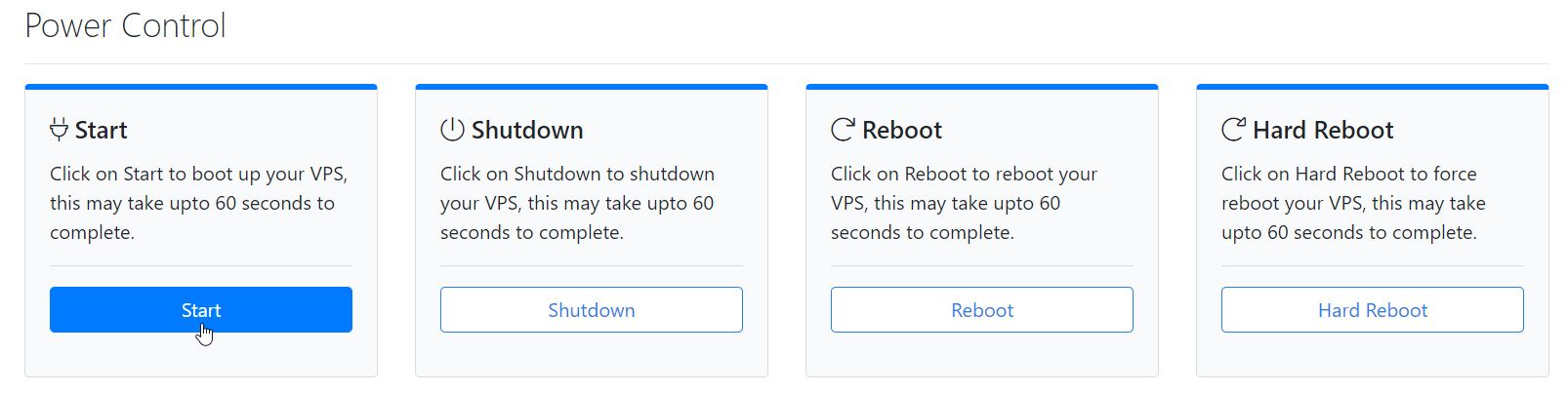
Use this if your VPS is powered off and you need to bring it back online. Click on **Start** to boot up your VPS.
## Shutting Down the VPS
Use this to gracefully power off your VPS, for example before making changes that require the server to be off.
:::info
Always use **Shutdown** when you want to safely power off your VPS and allow the operating system to shut down gracefully.
:::
### Click Shutdown
Click on **Shutdown**.
 ### Confirm the shutdown
Click on **Confirm Shutdown**.
 ## Rebooting the VPS
Use this for a normal restart, such as after applying updates or configuration changes that need a reboot to take effect. This performs a graceful restart of the operating system.
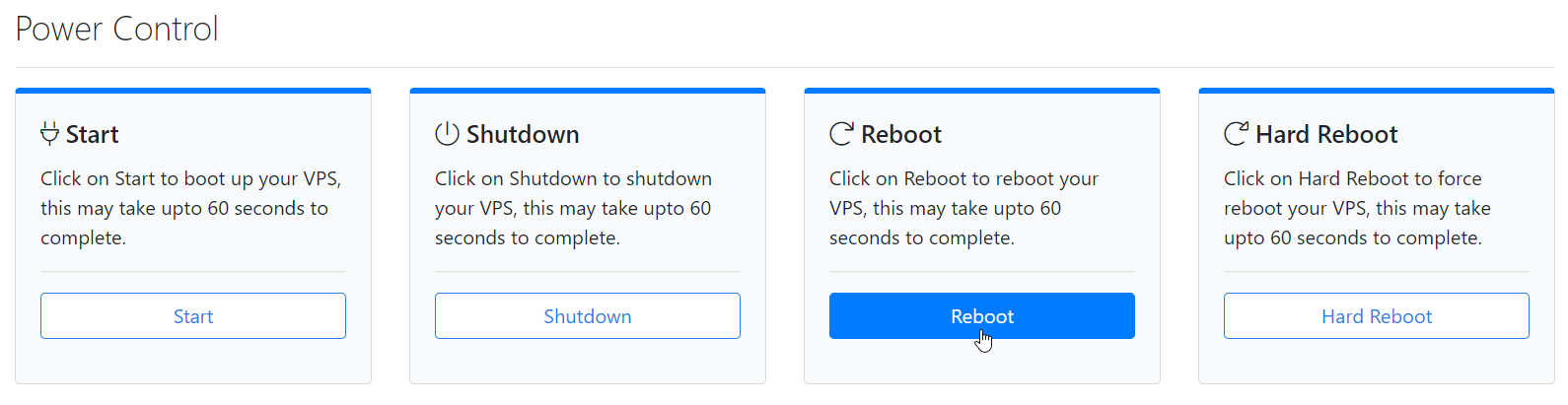
Click on **Reboot** to restart your VPS.
## Hard Rebooting the VPS
:::warning
Use this only if your VPS is unresponsive and a normal reboot doesn't work. A hard reboot forcefully power-cycles the VM, similar to pressing the reset button on a physical server, and should be used as a last resort because it doesn't shut down the OS gracefully.
:::
### Click Hard reboot
Click on **Hard reboot**.
### Confirm the hard reboot
Click on **Confirm Hard reboot**.
 :::note
If you face technical difficulties, please reach out to us via a [Support Ticket](https://crowncloud.net/clients/submitticket.php).
:::