How to Prevent Frequent SSH and SCP Disconnects
SSH and SCP connections can drop when there is no data transfer for a while. Sending keepalive packets helps maintain the connection and can prevent disconnects caused by connection timeouts. This guide shows how to turn them on in WinSCP and PuTTY.
WinSCP
Open WinSCP
Open WinSCP.
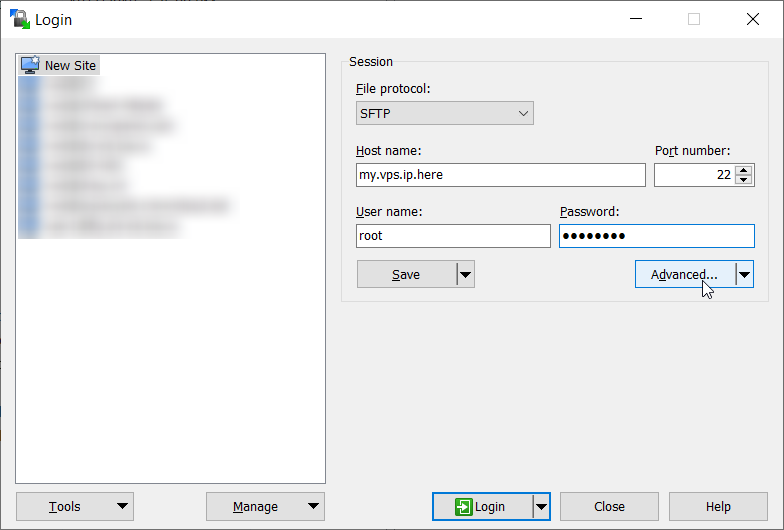
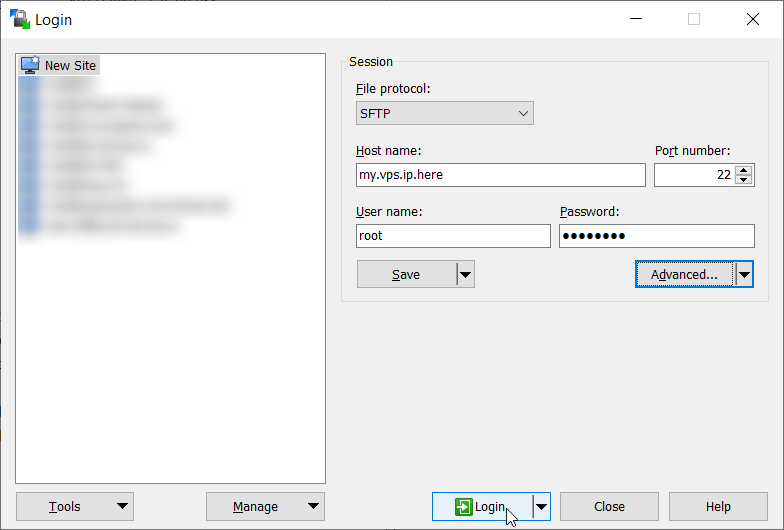
Click Advanced
Click the Advanced button.
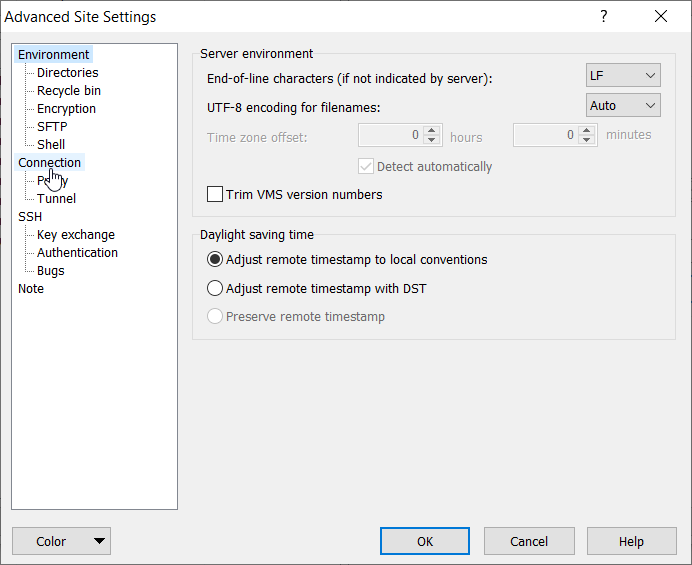
Open the Connection settings
Click Connection. The connection settings window opens.
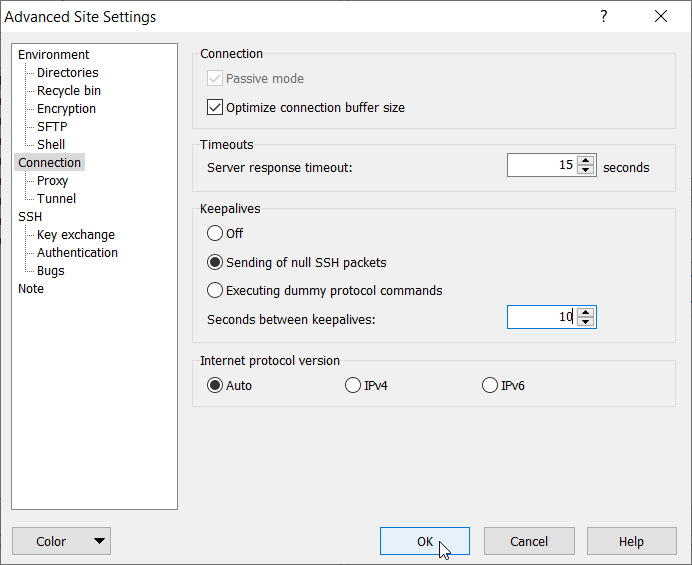
Set the keepalive options
Change Server response timeout to 15, select Sending of null SSH packets, and change Seconds between keepalives to 10. Then click OK.
Log in
Click the Login button to connect.
PuTTY
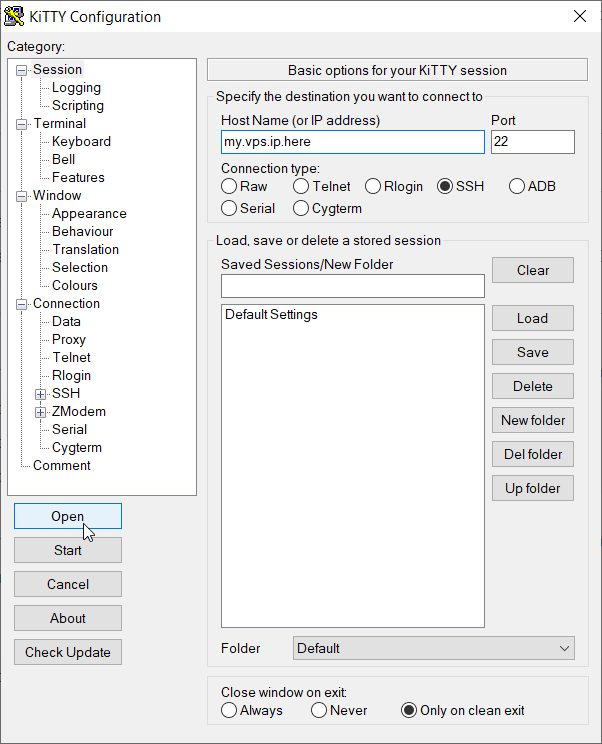
Open PuTTY
Open PuTTY.
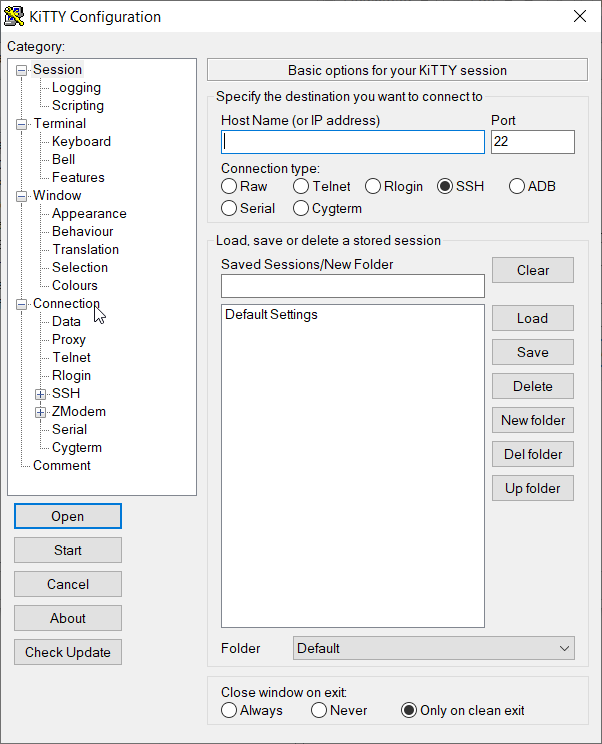
Open the Connection category
Click Connection under Category.
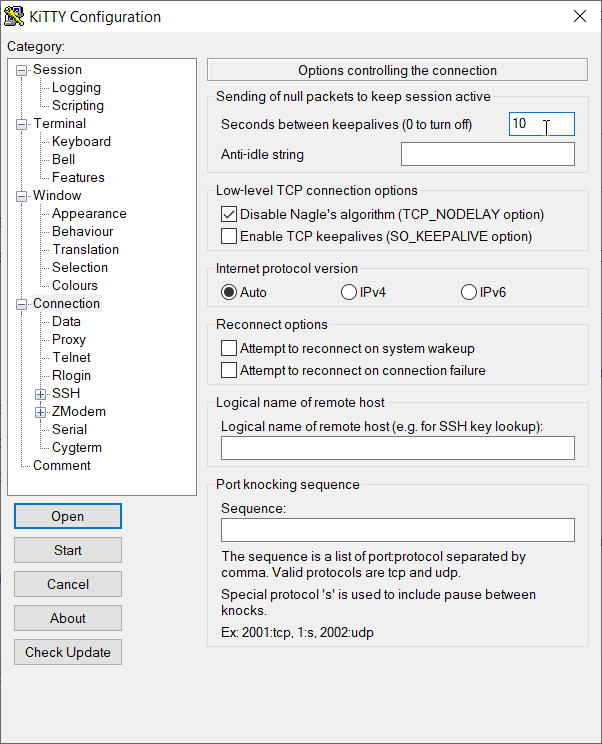
Set the keepalive interval
Change Seconds between keepalives to 10.
Connect
Click Session under Category and enter the IP address. Then click the Open button.