How to Debug Your VPS on CrownPanel
This guide helps you diagnose common problems with your VPS using CrownPanel.
VPS Is Offline or Shut Down
If the VPS is offline or shut down, you will see a red dot on the CrownPanel dashboard.
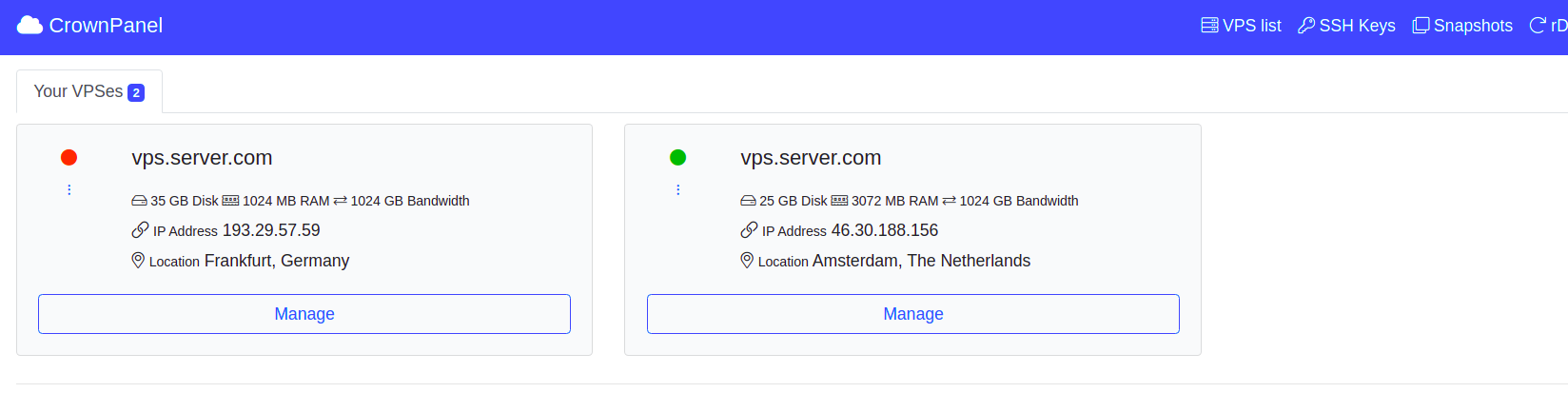
Power the VPS on before attempting to access it through VNC:
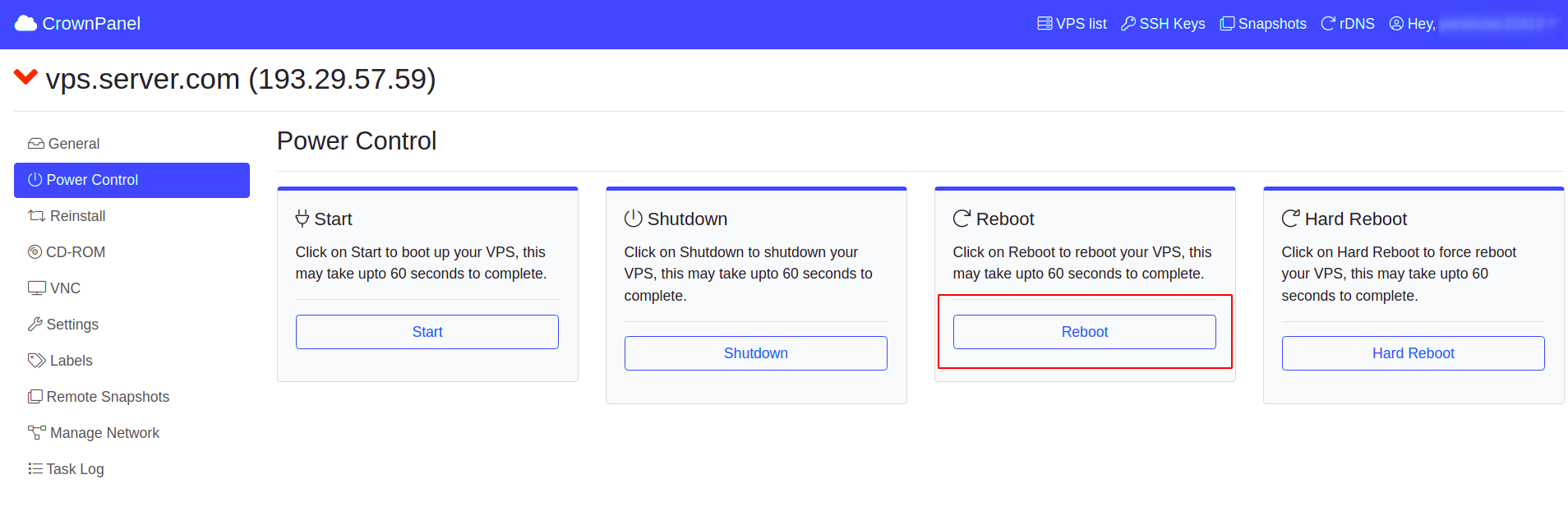
Open the Power Control tab
Navigate to the Power Control tab of the VPS.
Power on the VPS
Click Power On.
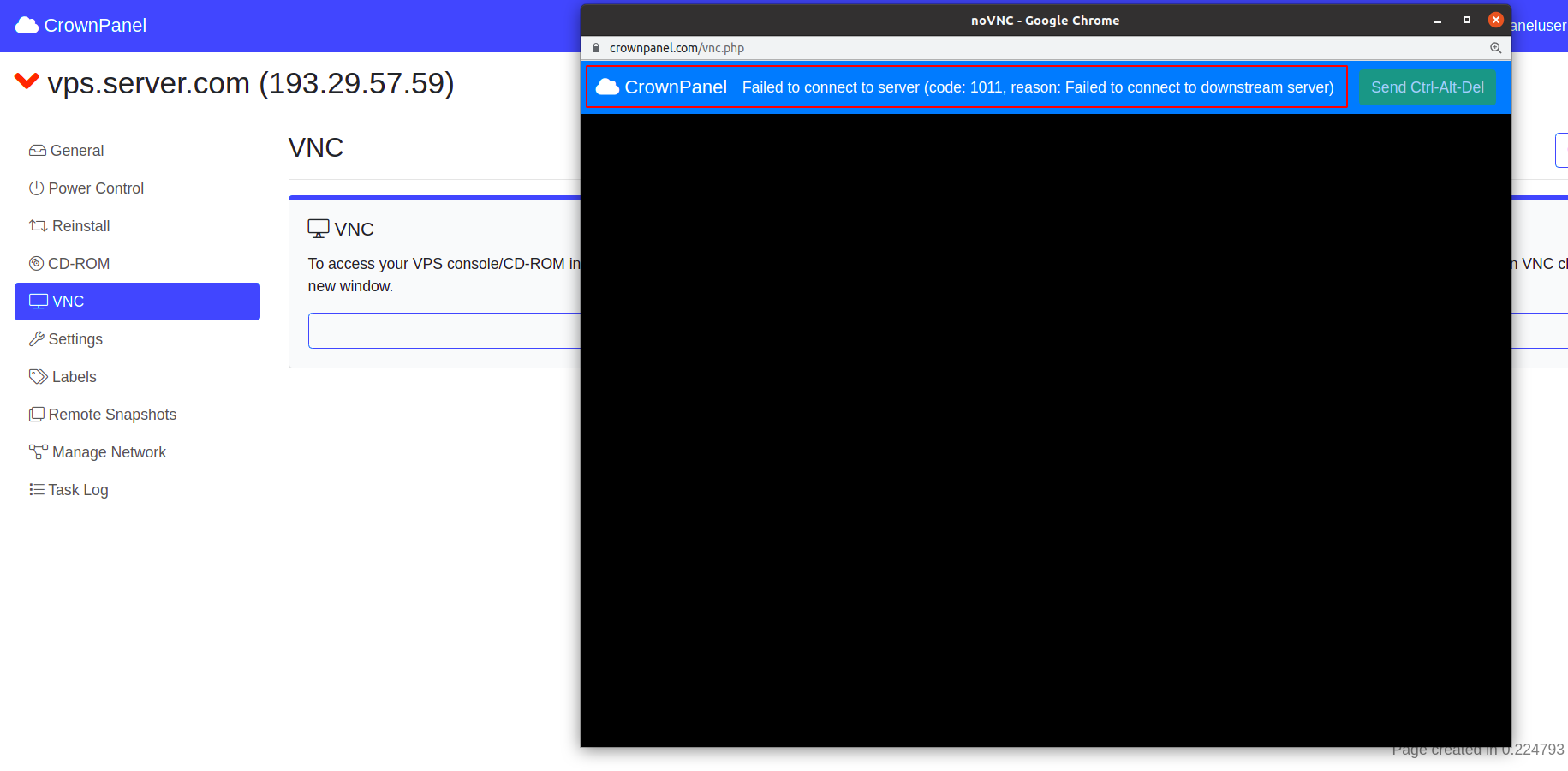
VNC Error Code 1011
When you launch the VNC console and receive error code 1011, the VPS is offline. Power it on using the steps above.
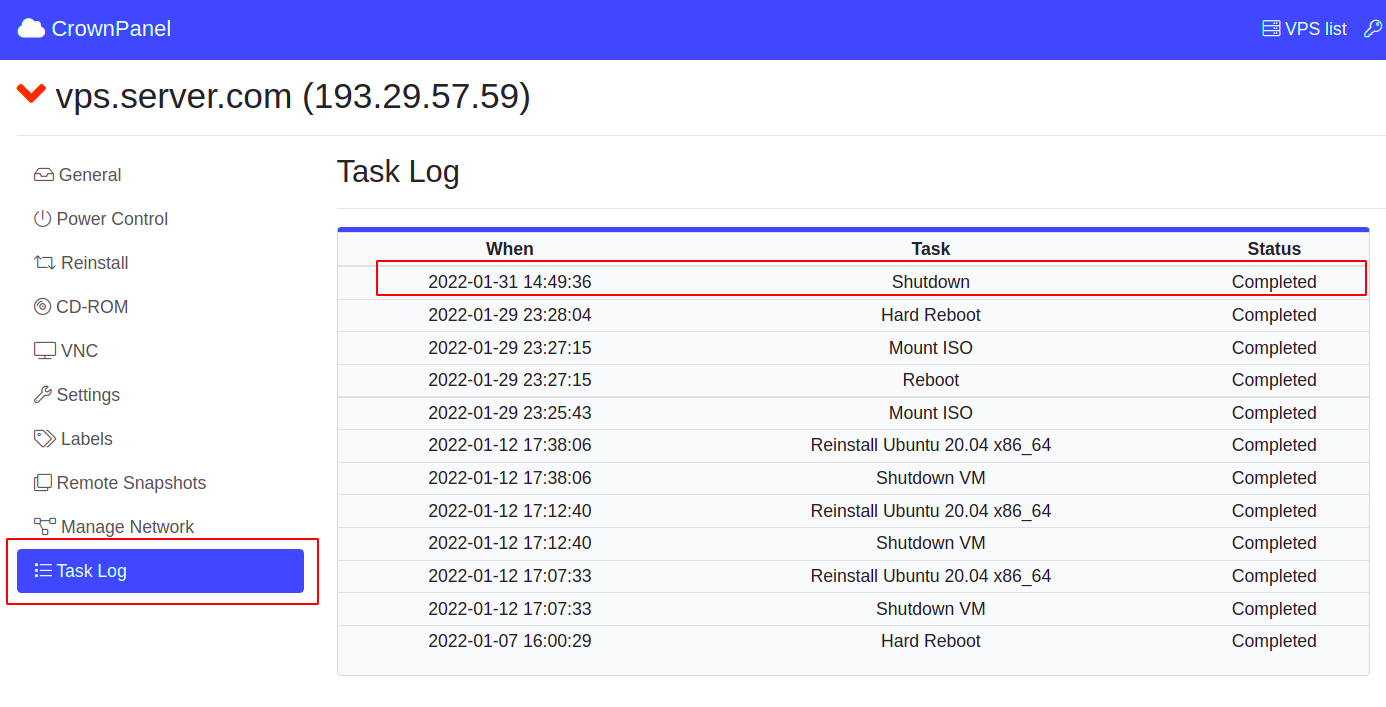
You can also check the Task Log. It shows messages such as Reboot, Shutdown VM, Mount, Unmount and Reinstall.
VNC Error Code 1006
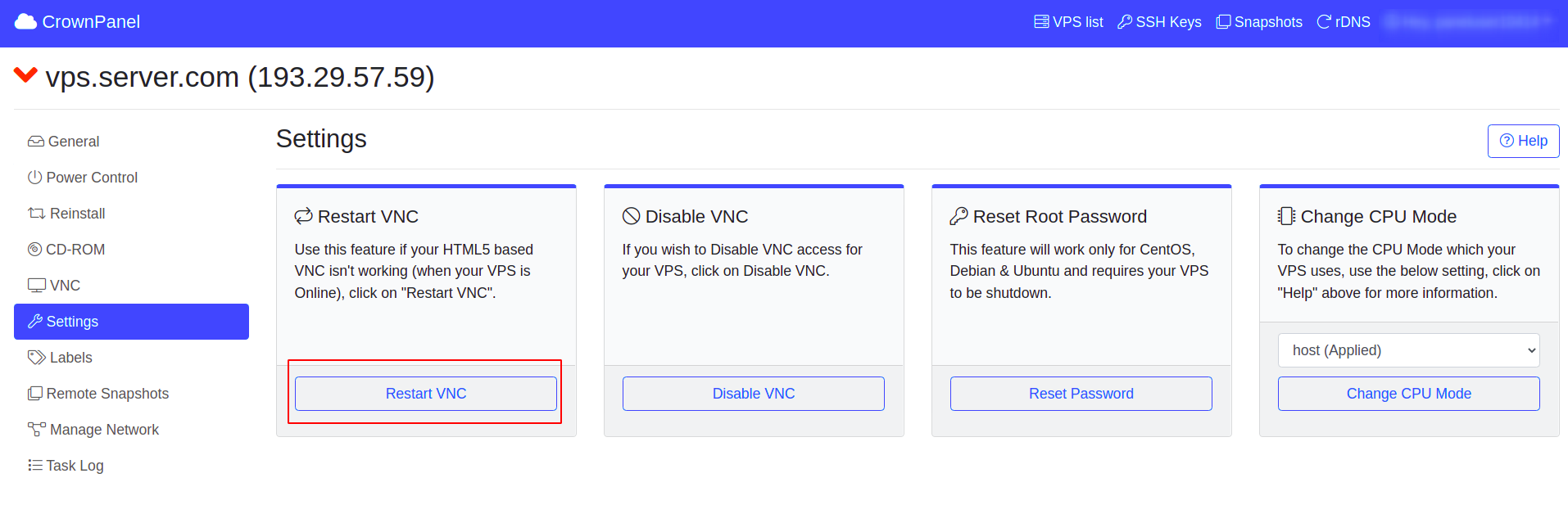
Error code 1006 means there is an issue with VNC connectivity. It can be fixed by restarting VNC. You can find this option on the Settings tab of the VPS management page.
No Operating System Installed
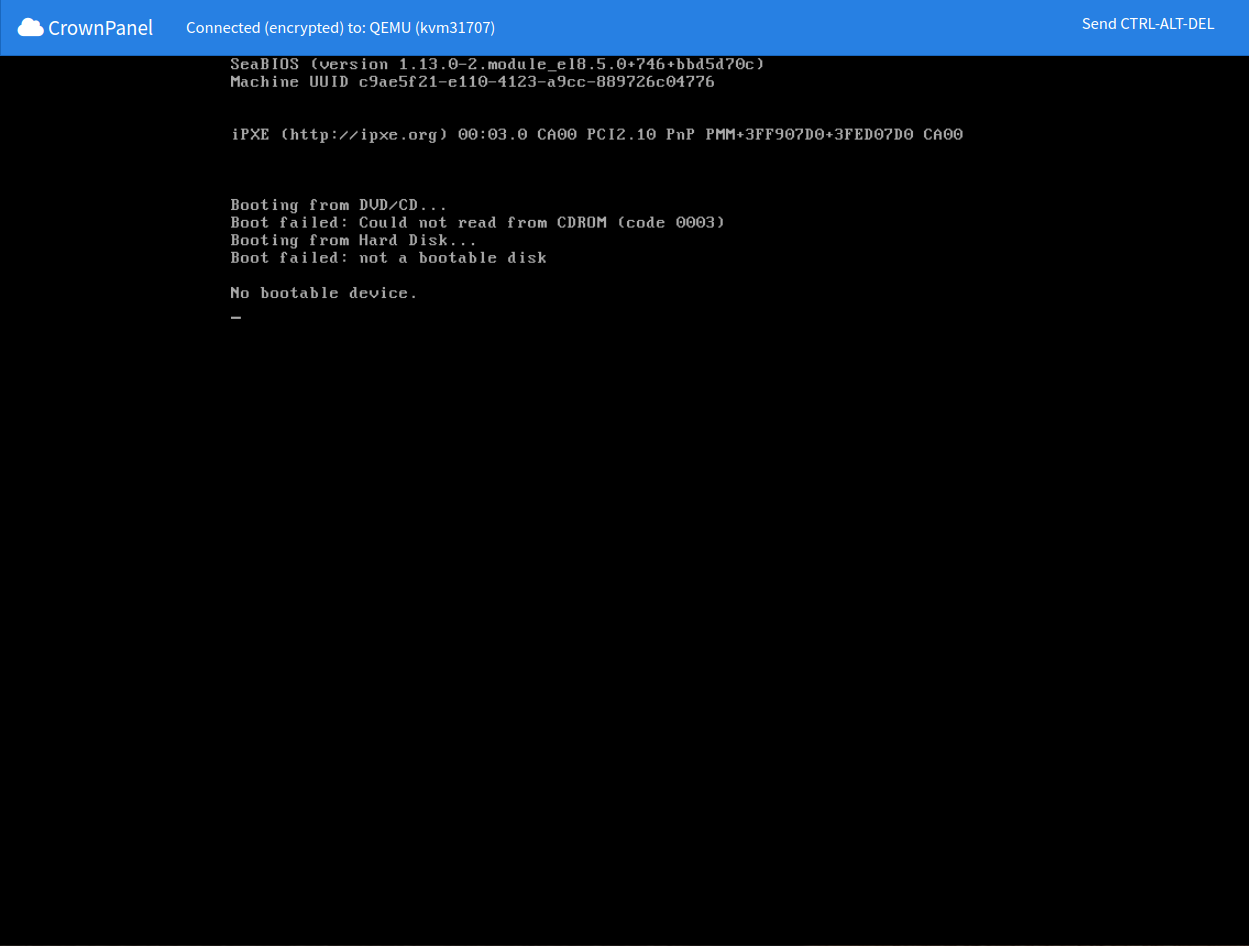
If you see the screen below, no operating system is installed on the VPS.