Using SSH Keys with Your KVM VPS on CrownPanel
Note
Make sure you have an SSH key ready before adding it to CrownPanel.
Open SSH Keys
Click on SSH Keys in the navbar.

Add a new key
Click on New Key to add a new SSH key.

Go to the VPS List
Once the key is added, switch to the VPS List from the navbar.

Click Manage
Click on the Manage button beside the VPS you wish to manage.

Select your SSH key
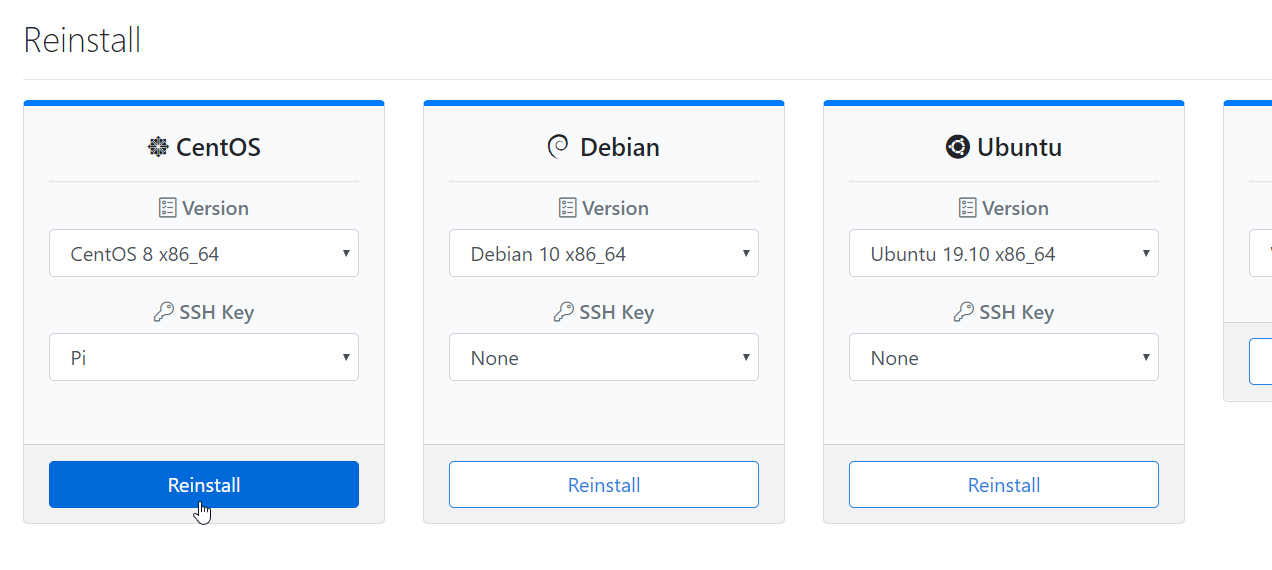
Switch to the Reinstall tab and select your SSH key. Make sure you select the correct key, as it will be used for SSH authentication on the reinstalled VPS.