

How to Find My Addon IPs
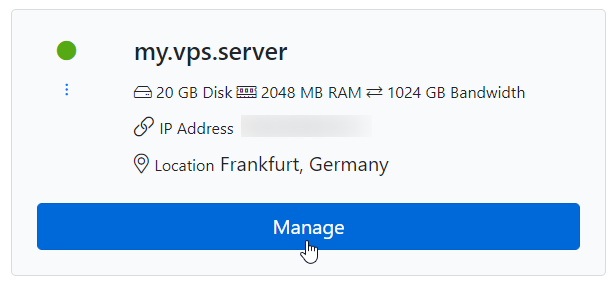
Click Manage on your VPS
Click on Manage on the VPS for which you wish to see the addon/additional IPs.
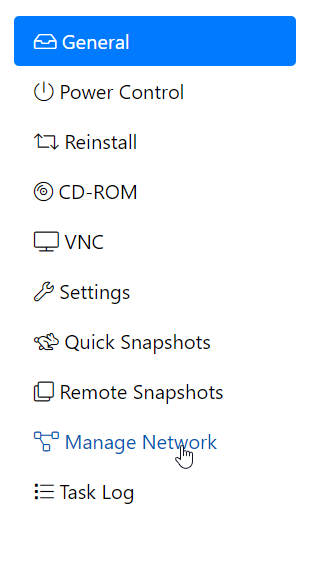
Open the Manage Network tab
Switch to the Manage Network tab.
Note
The user interface design may be different on your side, but the tab name will be the same: Manage Network.
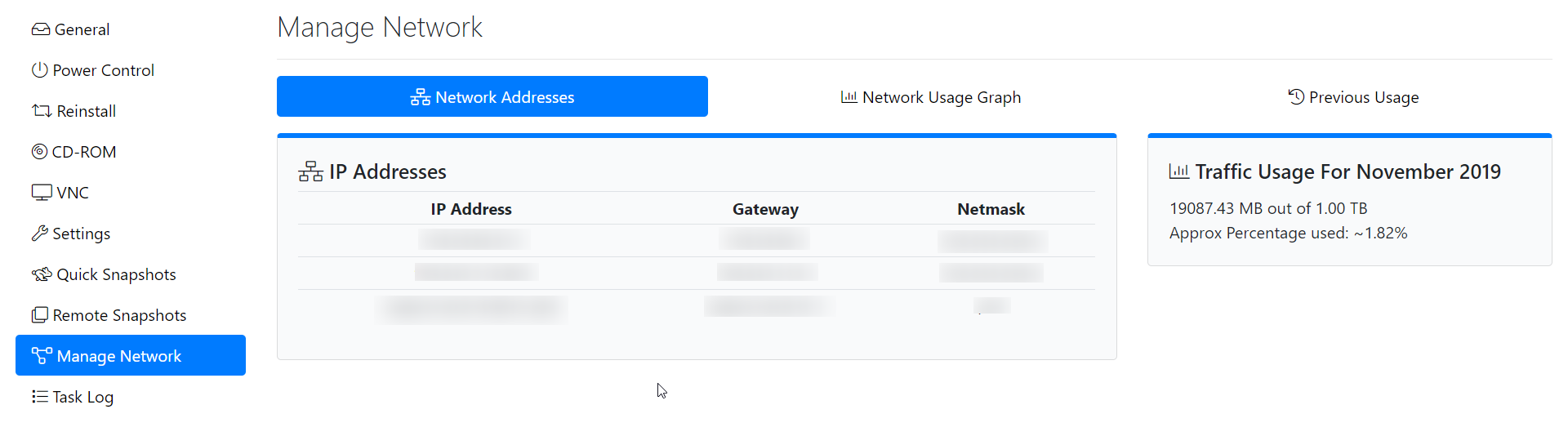
View your IP addresses
Here, you will find the IP addresses allocated to your VPS, along with their Netmask and Gateway addresses.
OpenVZ
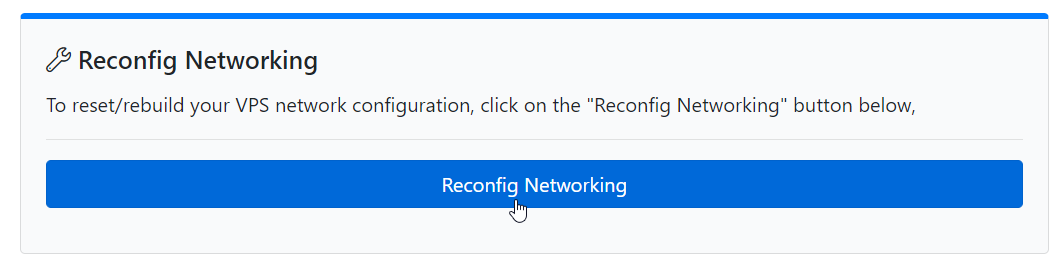
If you are on an OpenVZ-based VPS, you can automatically Add (configure) all IPs to your VPS interface by clicking on the Reconfigure Networking option.
KVM
Warning
If you are on a KVM-based VPS, you need to manually configure the addon IPs on your VPS interface as needed. We have guides available to help you through the process.
- CentOS (6, 7, or 8): Configure additional IPv4 to CentOS
- Debian or Ubuntu: Configure additional IPv4 to Ubuntu
- Ubuntu 18.04 and beyond: Configure additional IPv4 to Ubuntu using Netplan