

Reset Root Password on KVM-Based VPSes
Prerequisites
Warning
This will only work on the following operating systems:
- CentOS
- Debian
- Ubuntu
Also:
- This requires an unencrypted drive/partition setup to function.
- This requires the VPS to be in a powered off/shutdown state.
Reset the Password
Click Manage
Click on the Manage button beside the VPS you wish to reset the password for.

Open the Settings tab
Switch to the Settings tab.
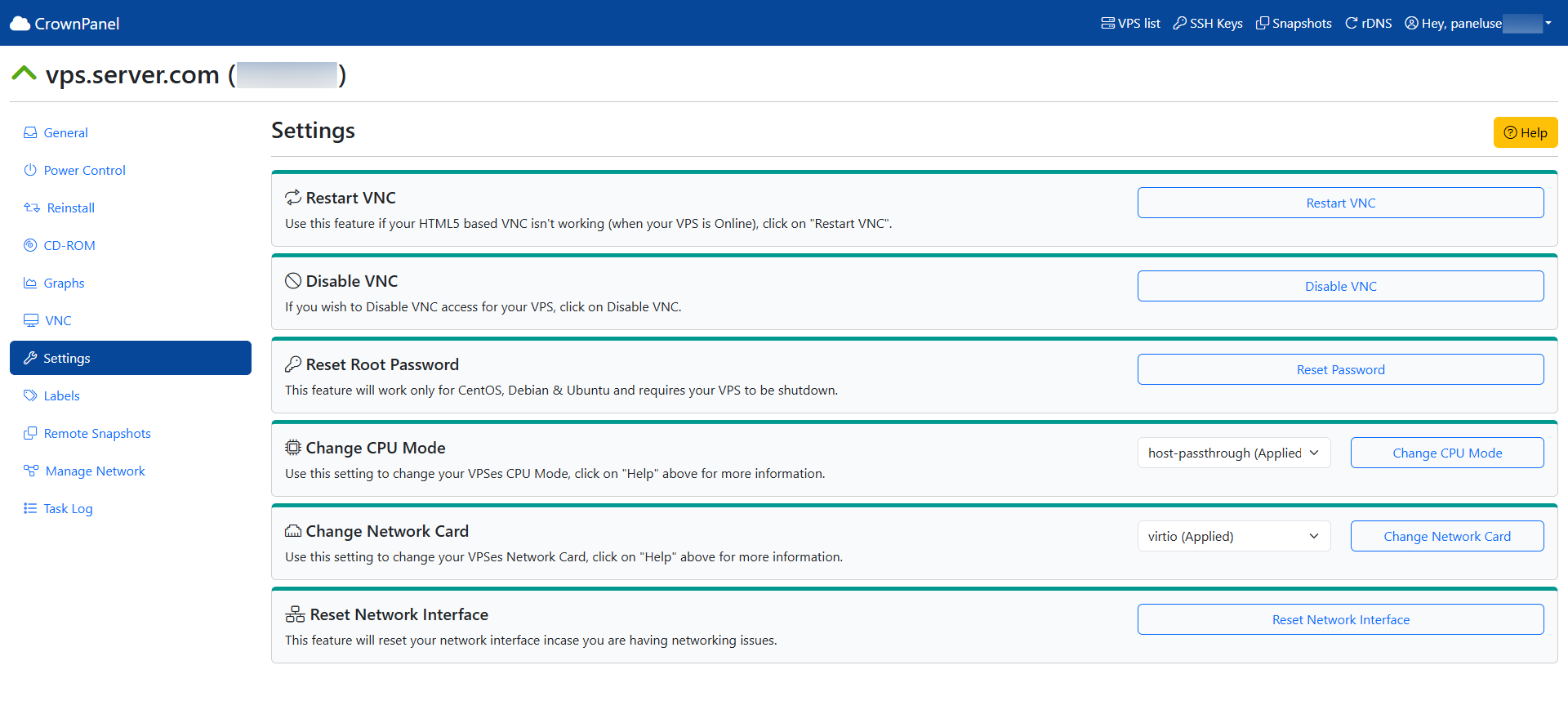
Reset the password
Click on the Reset Password button to reset your VPS's password. A new root password will be displayed on the panel once the button is clicked.
Wait for the VPS to boot
The VPS will automatically boot back online once the password reset is complete.