Installing an Operating System Using Application Images
This allows you to quickly install an application-based operating system on your KVM VPS using the available Application Images in CrownPanel.
Available Application Images
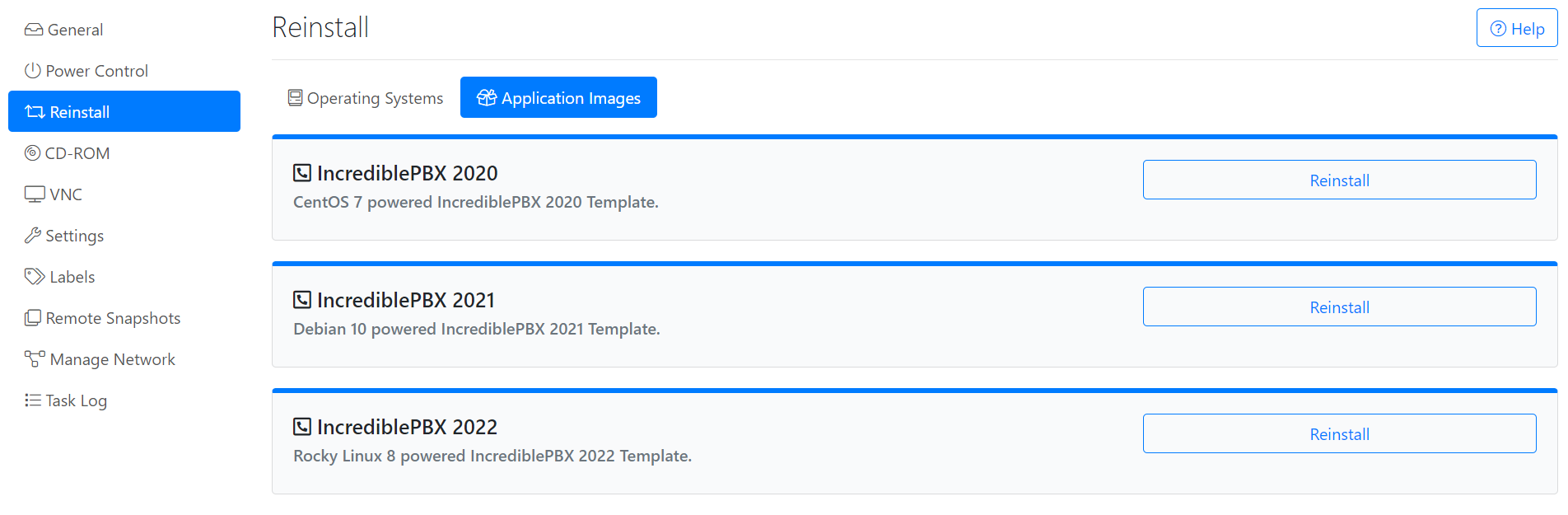
The following Application Images are currently available in CrownPanel:
Warning
Reinstalling your VPS will replace the existing operating system and data on the VPS. Make sure to save your existing data and confirm that you have selected the correct operating system before proceeding.
Install an Application Image
Open the Application Images option
In the Reinstall tab, select the Application Images option.
Select the operating system
Select the operating system you wish to install from the list.
Confirm the reinstall
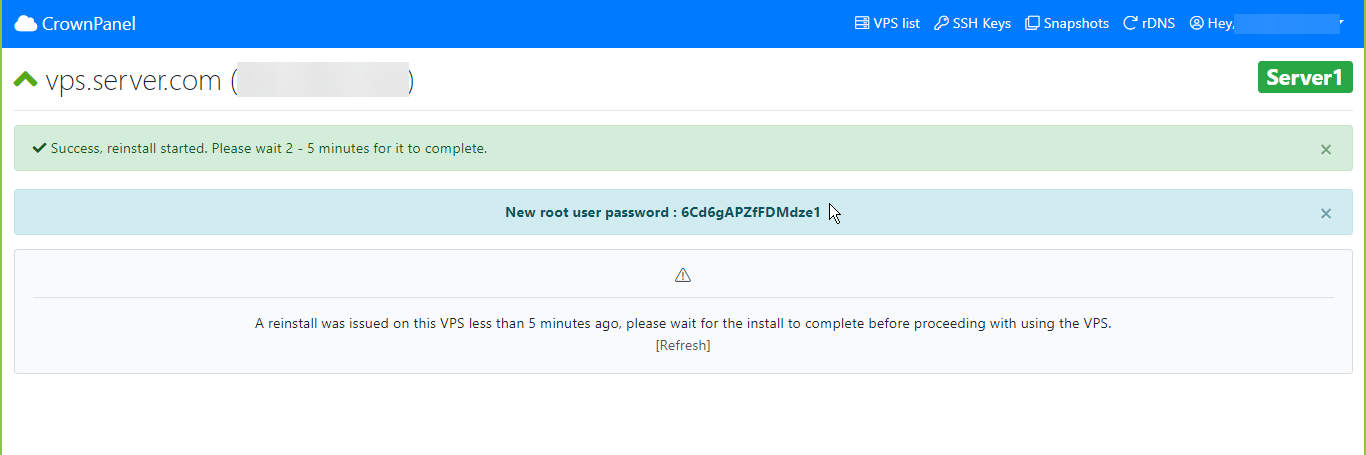
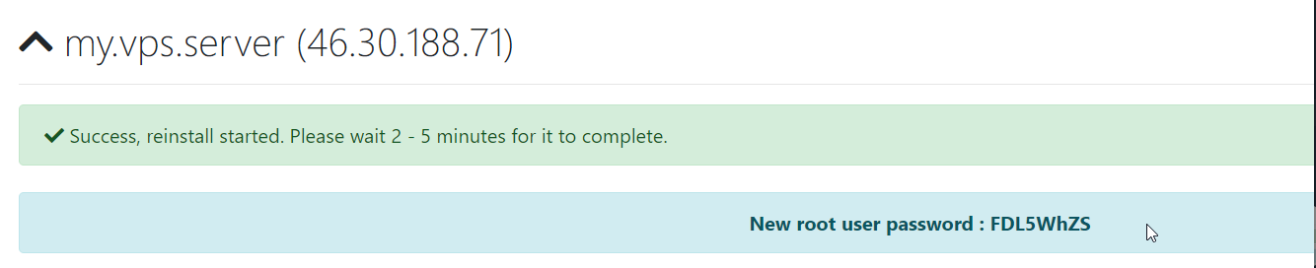
Once you confirm the reinstall, you will be presented with your new root password (if you are installing a Linux-based operating system).