

Disabling VNC on CrownPanel
Warning
This will only disable the VNC offered by CrownPanel and NOT any VNC server or RDP (if Windows) you may have running on your VPS.
Log in to CrownPanel
Log in to CrownPanel at https://crownpanel.com/.
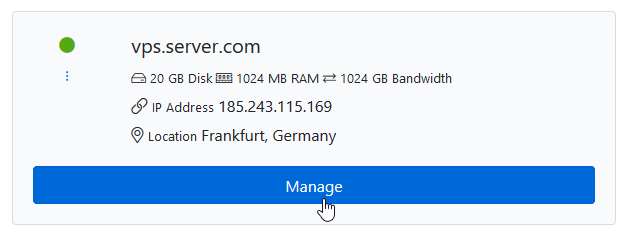
Click Manage
Click on the Manage button beside the VPS you wish to manage.
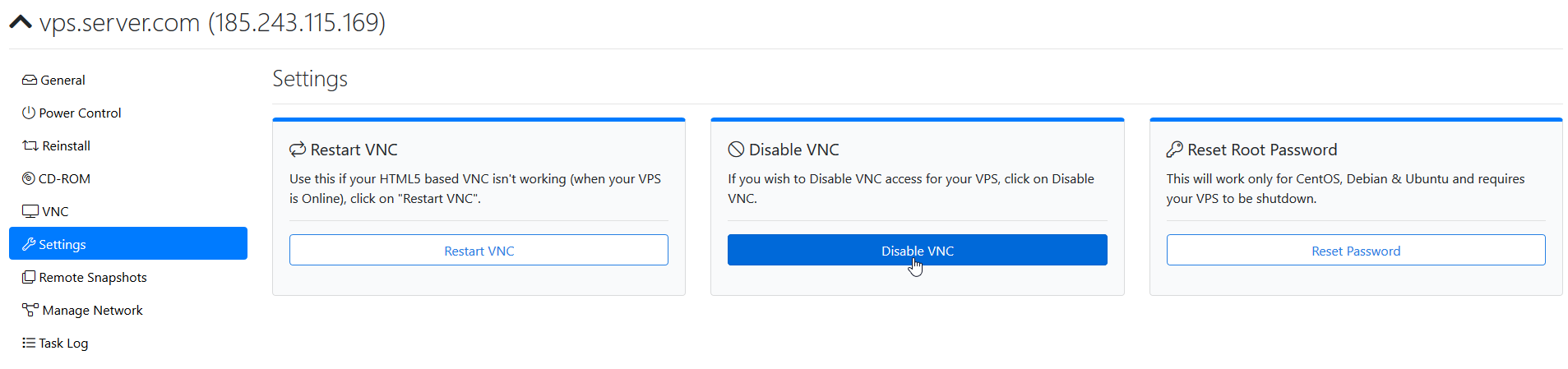
Disable VNC
Switch to the Settings tab and click the Disable VNC button to disable VNC.
Note
You can enable VNC again at any time by clicking the Enable VNC button in the same Settings tab.