

How to Create a Subdomain in cPanel
You can create a subdomain in cPanel using the Domains section.
Access the Domains Section
Log in to cPanel
Log in to your cPanel account.
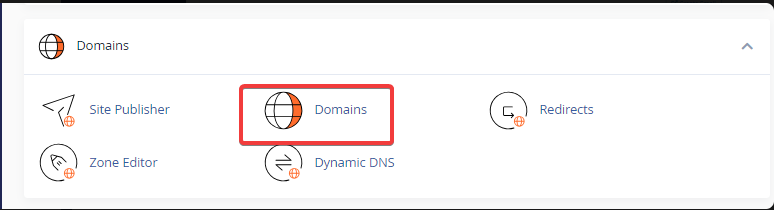
Open the Domains section
In the Domains section, click Domains.
Create a New Domain
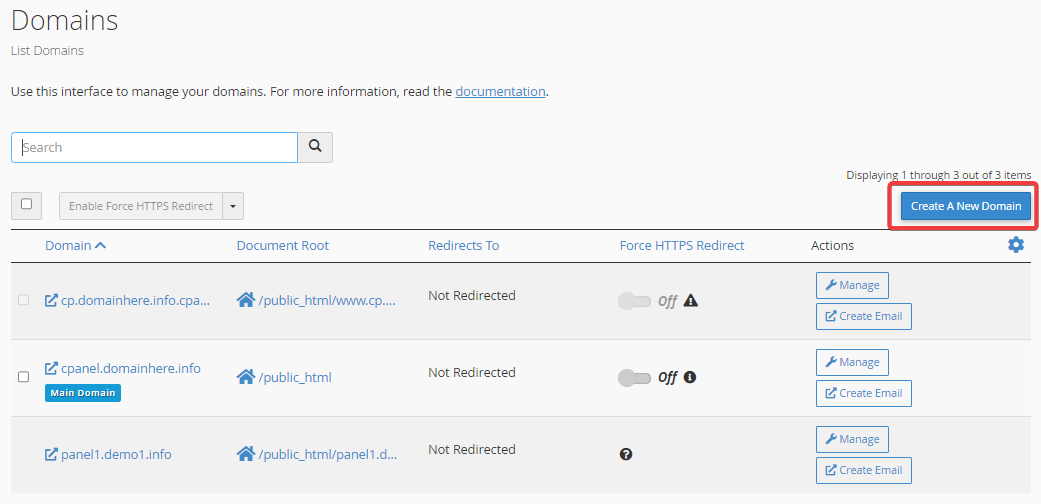
Start creating a domain
Click Create A New Domain.
Enter the Subdomain
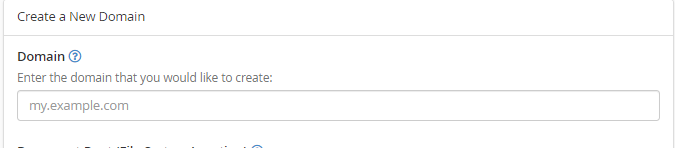
Enter the subdomain name
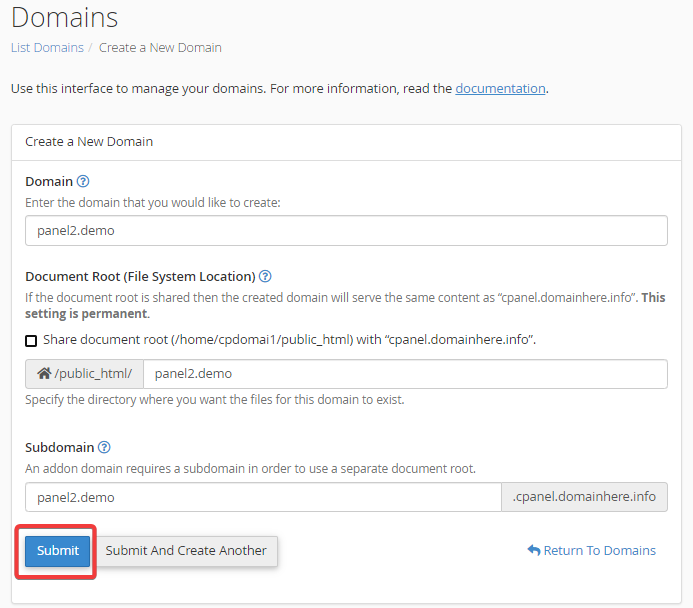
Enter the subdomain you want to create in the Domain field.
Configure the Document Root
Configure the document root
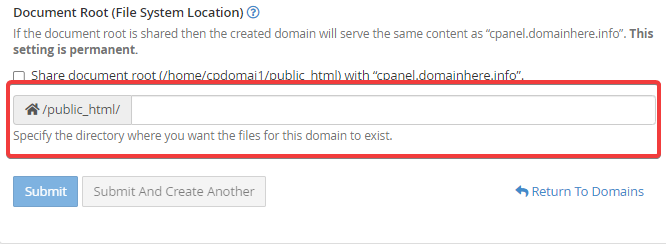
Deselect Share document root (/home/username/public_html) with "domain.tld" if you want the subdomain to use a separate document root.
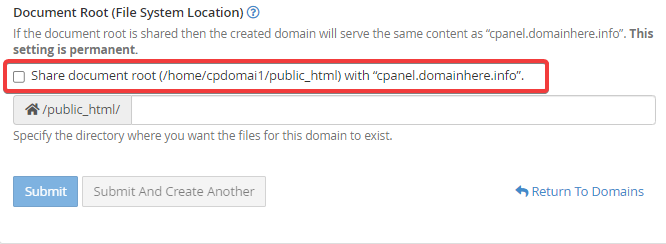
Specify the directory
Enter the directory where you want the files for the subdomain to be stored.
Note
Make sure the document root points to the directory where you want to store the subdomain's website files.
Create the Subdomain
Submit the subdomain
Click Submit to create the subdomain.
Your subdomain has now been created successfully.