

cPanel - Setting up Email Forwarder
Create an Email Forwarder
Log in to cPanel
Log in to your cPanel account as a user.
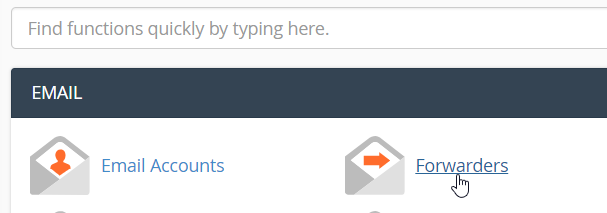
Open Forwarders
Once logged in, click Forwarders inside the EMAIL section.
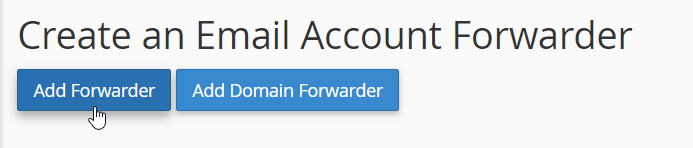
Add a forwarder
Click Add Forwarder under Create an Email Account Forwarder.
Enter the forwarding details
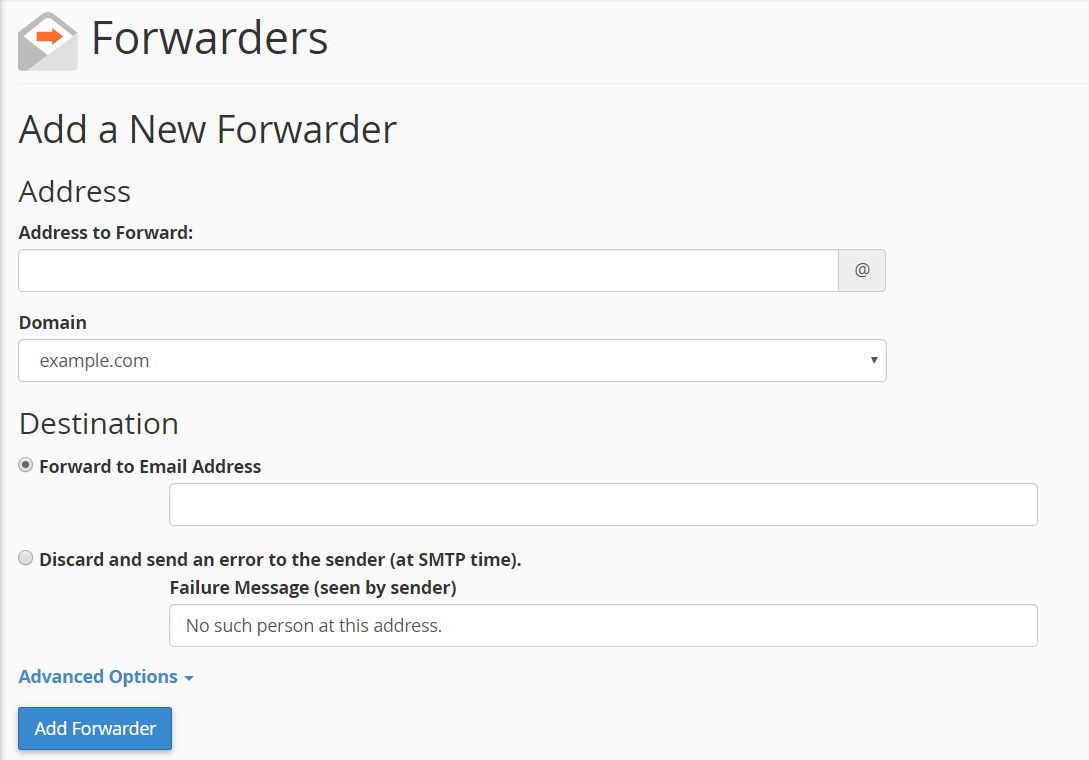
Fill in the following fields:
- Address to Forward: Enter the email username, for example,
adminif you wish to forward emails sent toadmin@mydomain.com. - Forward to Email Address: Enter the destination email address, for example,
example@gmail.com.
Add the forwarder
Click Add Forwarder once the fields are filled in.
Warning
Enter the correct email address in both the Address to Forward and Forward to Email Address fields.
Tip
For example, to forward emails sent to admin@mydomain.com, enter admin as the Address to Forward and your destination email address as the Forward to Email Address.