

Enabling DKIM and SPF Records in cPanel
Info
We recommend that our users enable SPF (Sender Policy Framework) and DKIM (DomainKeys Identified Mail) records for their domain. SPF allows a domain owner to add a record on the server that the recipient server cross-checks, while DKIM embeds information within the email, making it harder to forge.
We have provided the steps to enable these records in cPanel.
Access Email Deliverability
Log in to cPanel
Log in to your cPanel account.
Open Email Deliverability
Navigate to Email and click Email Deliverability from the menu.
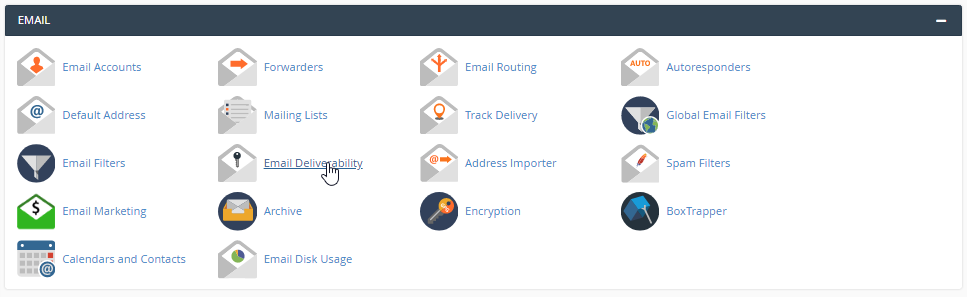
Manage DKIM and SPF Records
Open the domain settings
Click the Manage button.
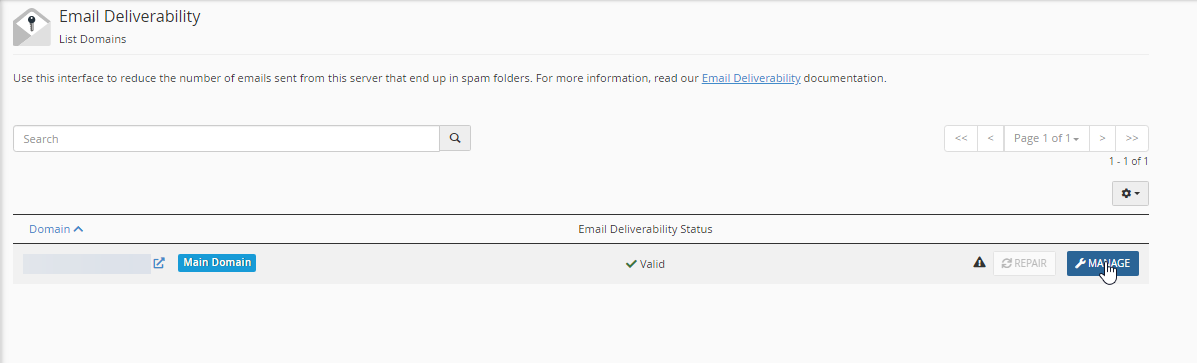
Configure DKIM and SPF
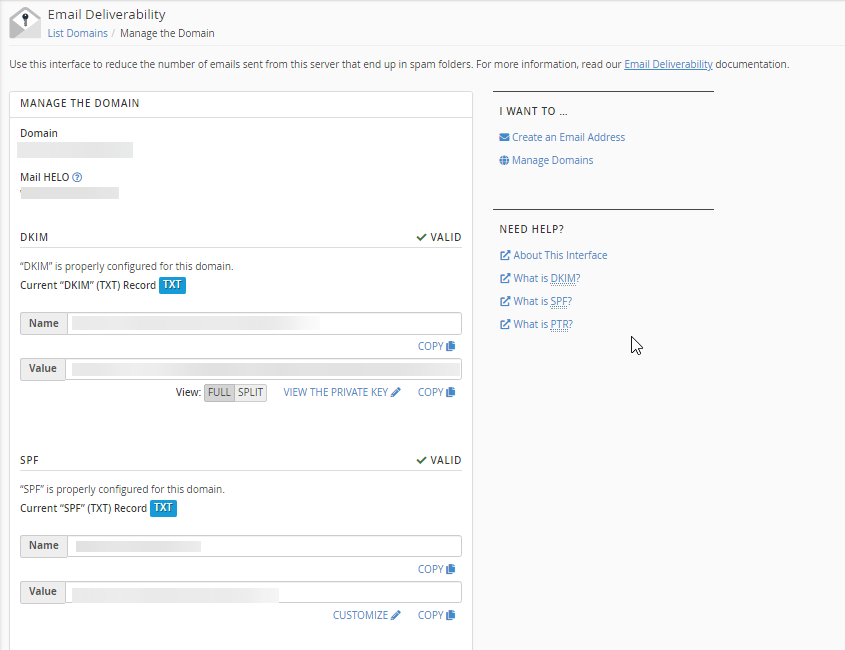
You can manage your DKIM and SPF records here.
Note
If you are using Cloudflare, copy the record details and update the corresponding DNS records in Cloudflare.
Verify the Changes
Refresh the page after some time to check the status of the records.