

How to Find Error Logs in cPanel
You can view the error logs for your cPanel account by following the steps below.
Access Error Logs
Open the Errors page
Log in to your cPanel account.
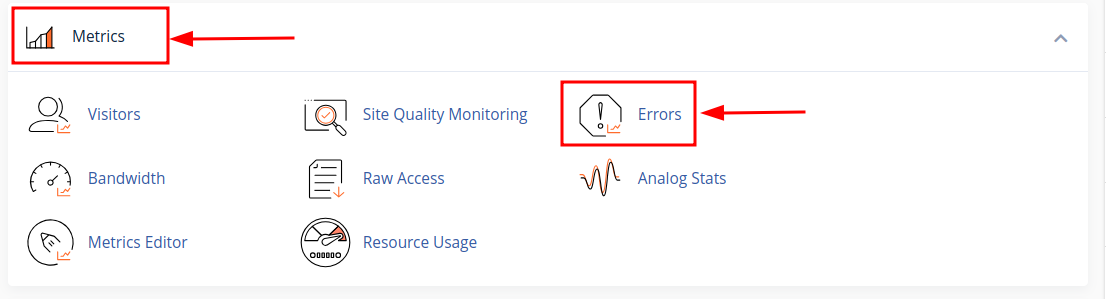
Go to Metrics > Errors.
View recent errors
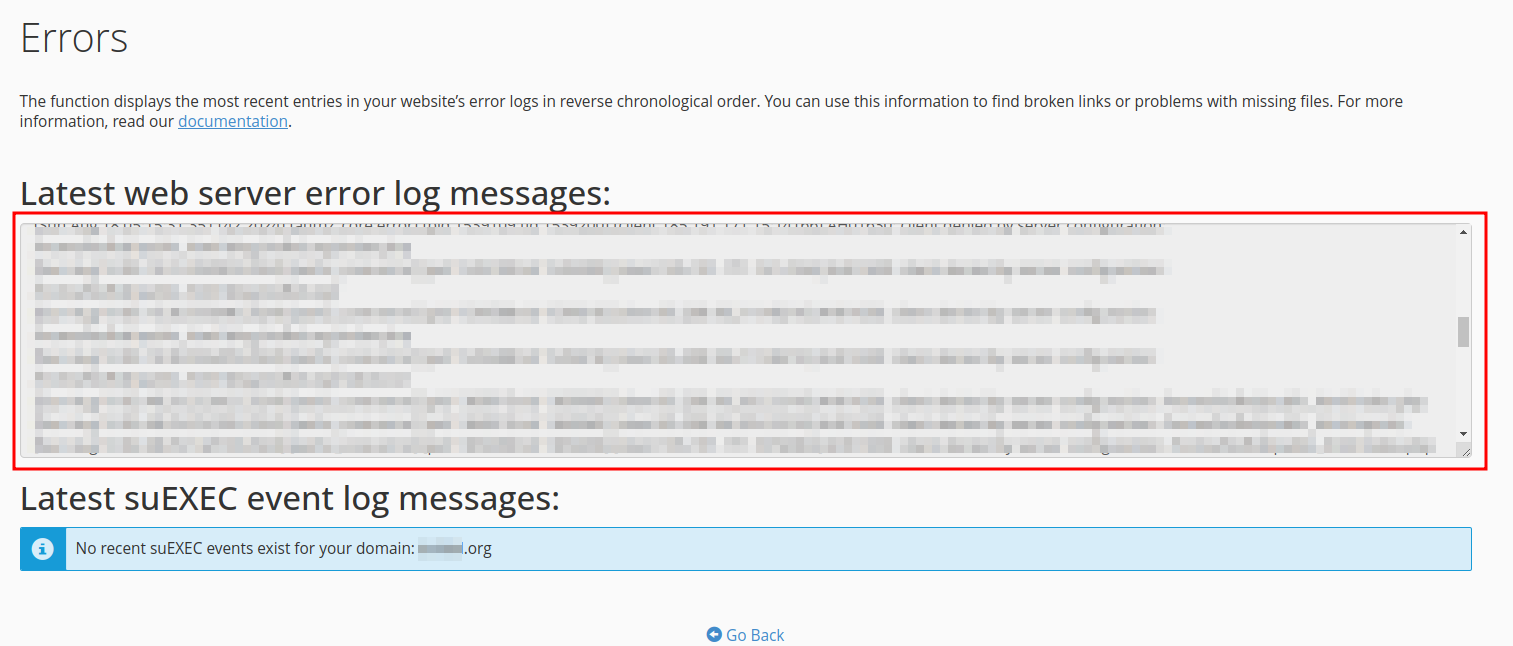
The Errors page displays recent error logs for your cPanel account.
Note
cPanel displays the last 300 errors through the Errors interface.
You can use these error logs to identify and troubleshoot issues with your website.