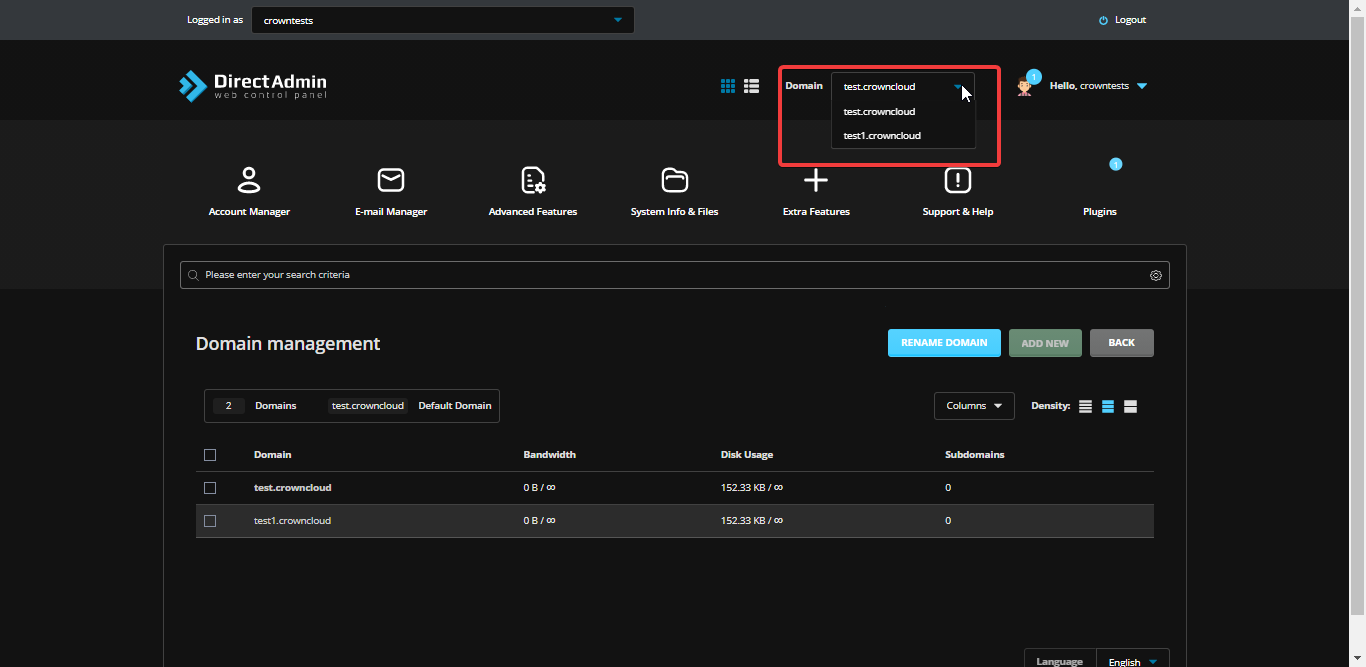
How to Check Domains Under a DirectAdmin User
Info
If you are using the Standard theme on DirectAdmin, switch to the Refreshed theme as shown in How to change theme or layout on DirectAdmin.
In the Refreshed Theme
Log in to DirectAdmin
Log in to your DirectAdmin panel as a user.
Open Domain Setup
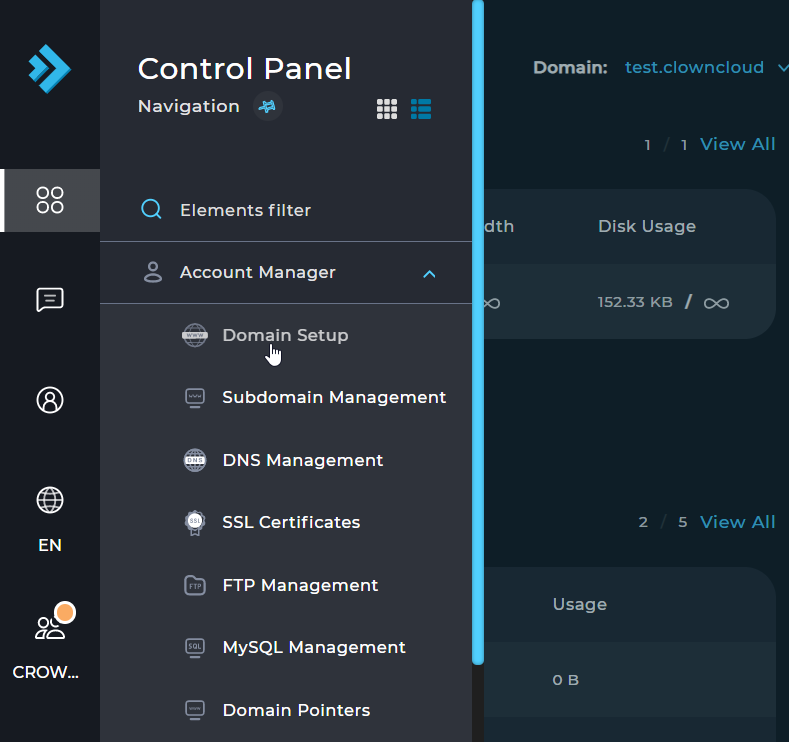
Select Menu, then select Domain Setup under Account Manager.
Select the domain
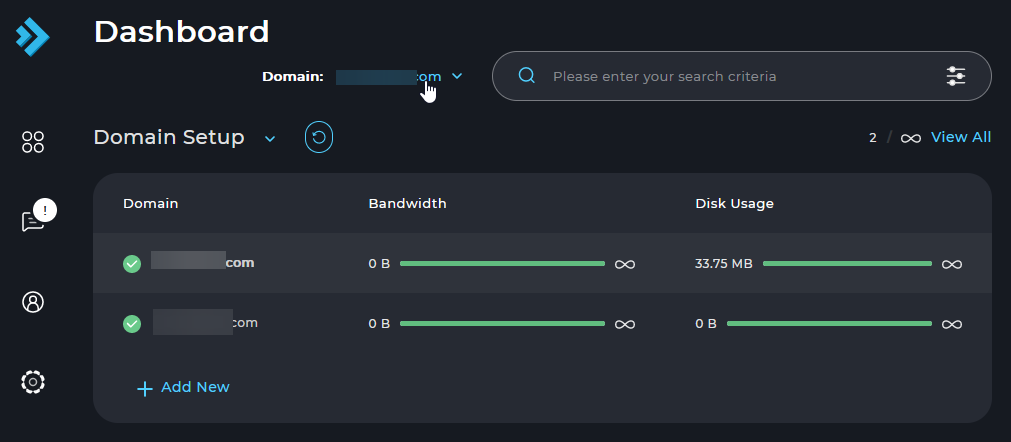
Select the domain you wish to check from the dropdown list.
In the Standard Theme
Click here to show the steps
Log in to DirectAdmin
Log in to your DirectAdmin panel as a user.
Open Domain Setup
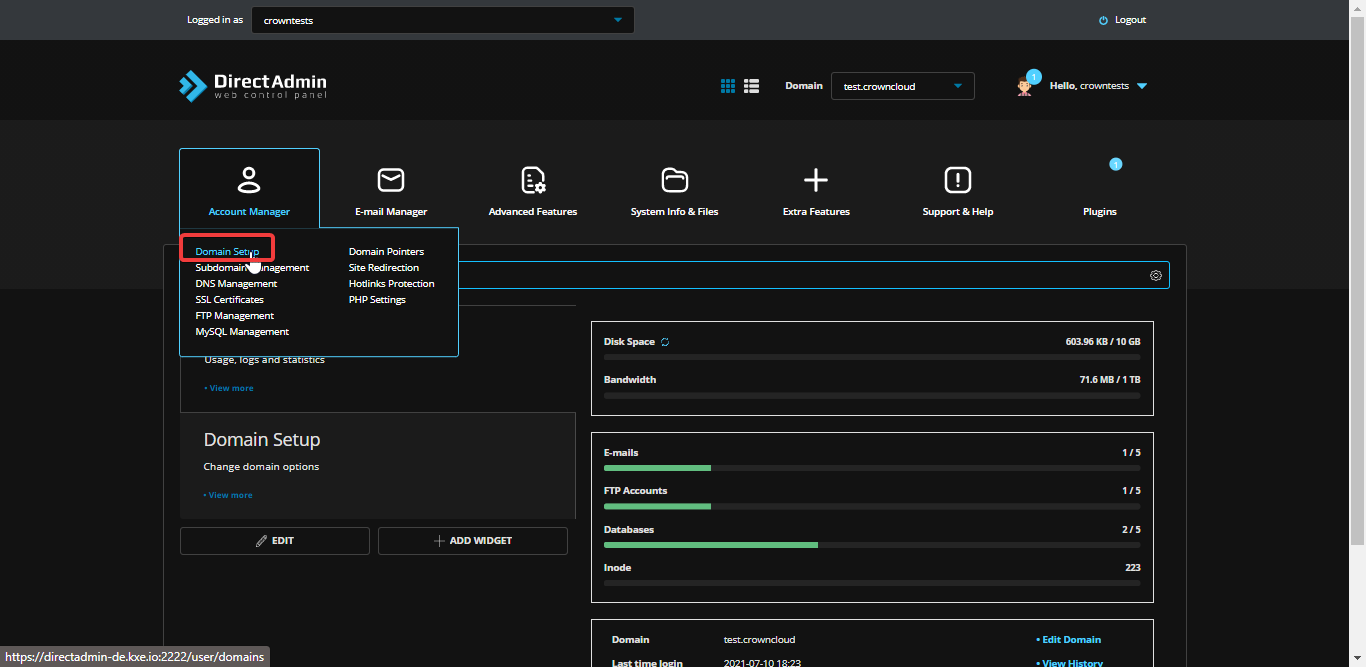
Select Domain Setup under Account Manager.
Select the domain
Select the domain you wish to check from the dropdown list.