

Enable or Disable open_basedir in DirectAdmin
Info
This is applicable only to DirectAdmin-based VPSes. You can enable or disable this feature as needed.
Open PHP Settings
Log in to DirectAdmin
Log in to DirectAdmin as Admin at https://Your-DirectAdmin-URL:2222.
Open PHP Settings
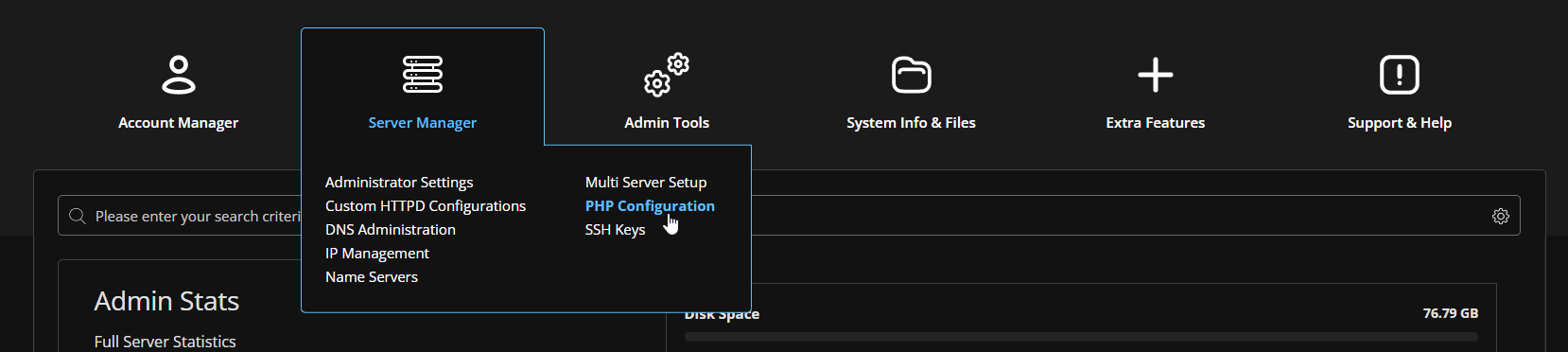
Click on PHP Settings in the Server Manager menu.
Disabling open_basedir
To disable open_basedir for a domain, select the domain and click Disable Open Basedir.

Enabling open_basedir
To enable open_basedir for a domain, select the domain and click Enable Open Basedir.
