How to Change Max Post Size and Max Upload Size in DirectAdmin
Info
If you are using the Standard theme on DirectAdmin, switch to the Refreshed theme as shown in How to change theme or layout on DirectAdmin.
In the Refreshed Theme
Log in to DirectAdmin
Log in to the DirectAdmin Web Control Panel.
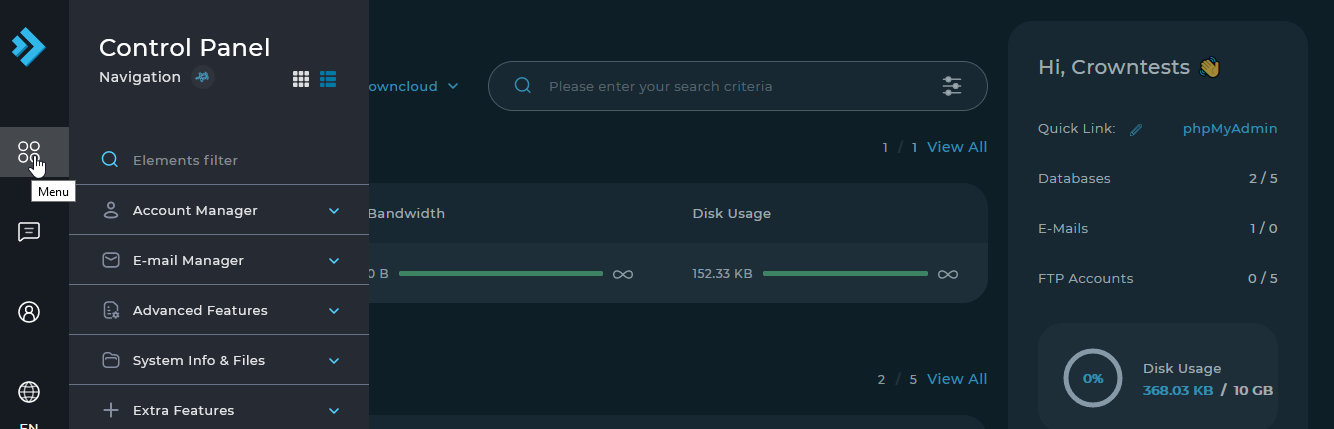
Open the Menu
Select Menu in the left sidebar.
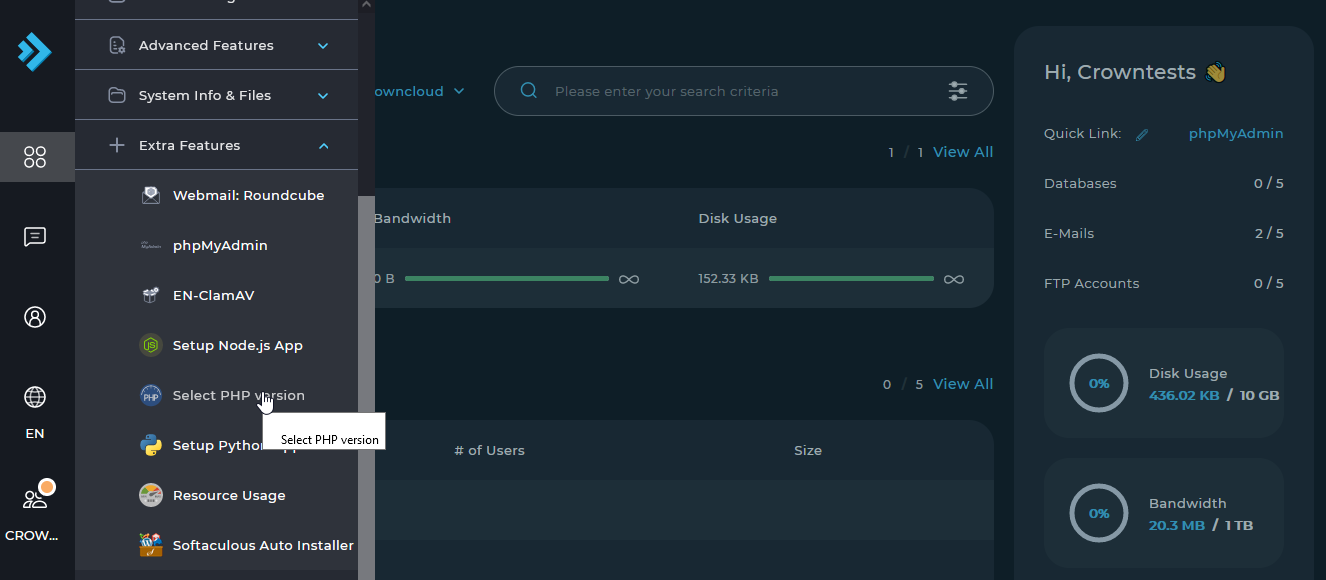
Open Select PHP Version
Select Extra Features, then Select PHP Version.
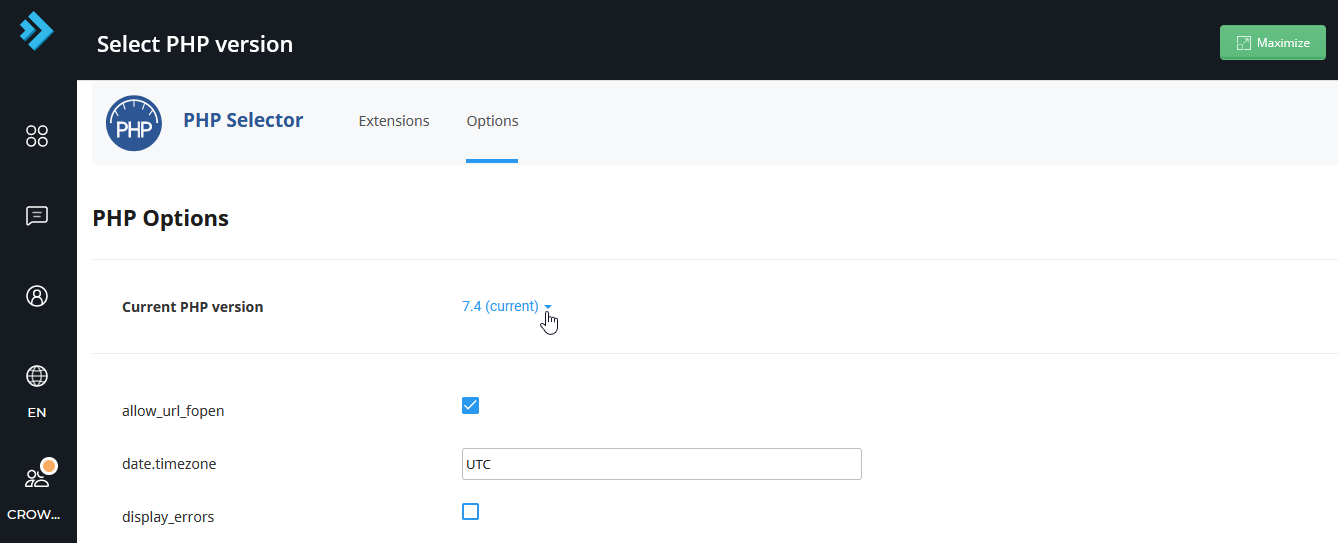
Open the PHP options
Select the PHP options and scroll down to find the settings.
Change the limits
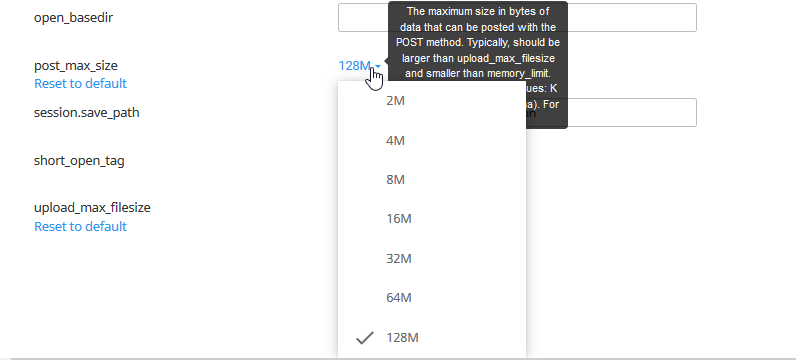
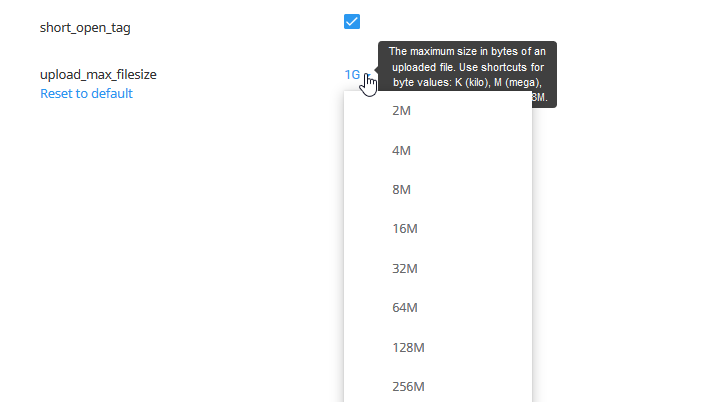
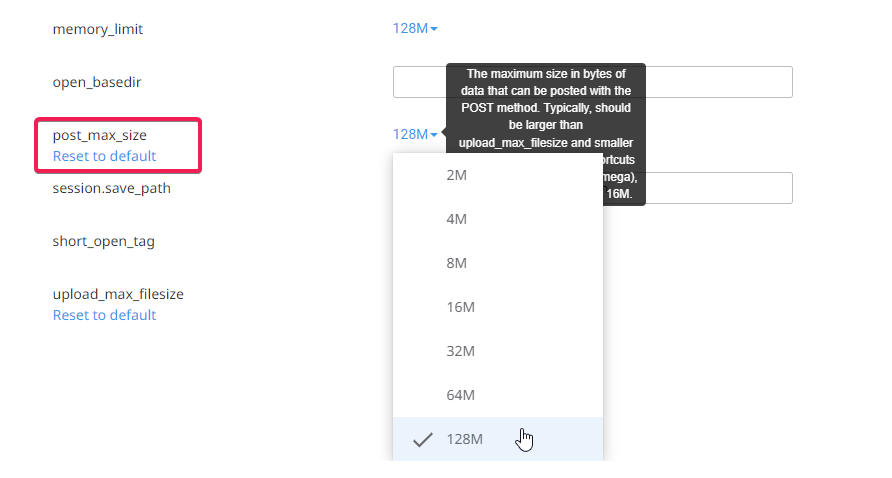
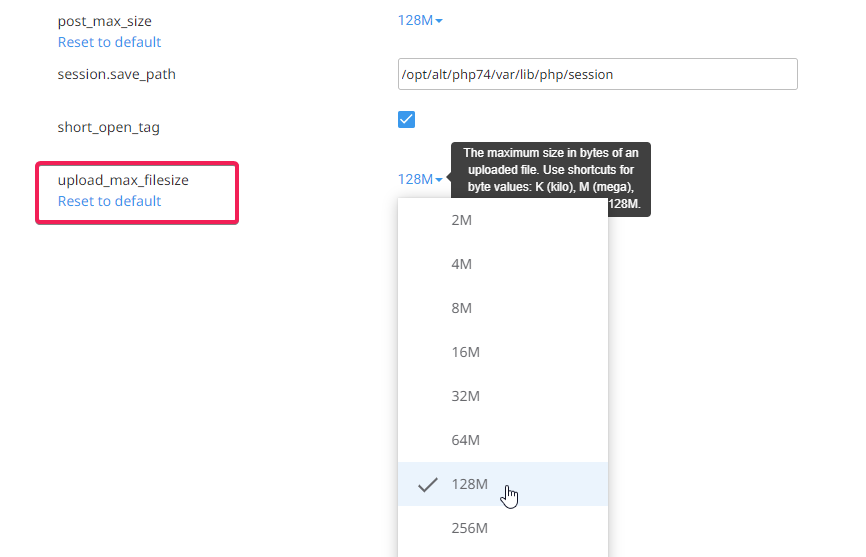
Find upload_max_filesize and post_max_size and set them to the values you need, according to your usage.
In the Standard Theme
Click here to show the steps
Log in to DirectAdmin
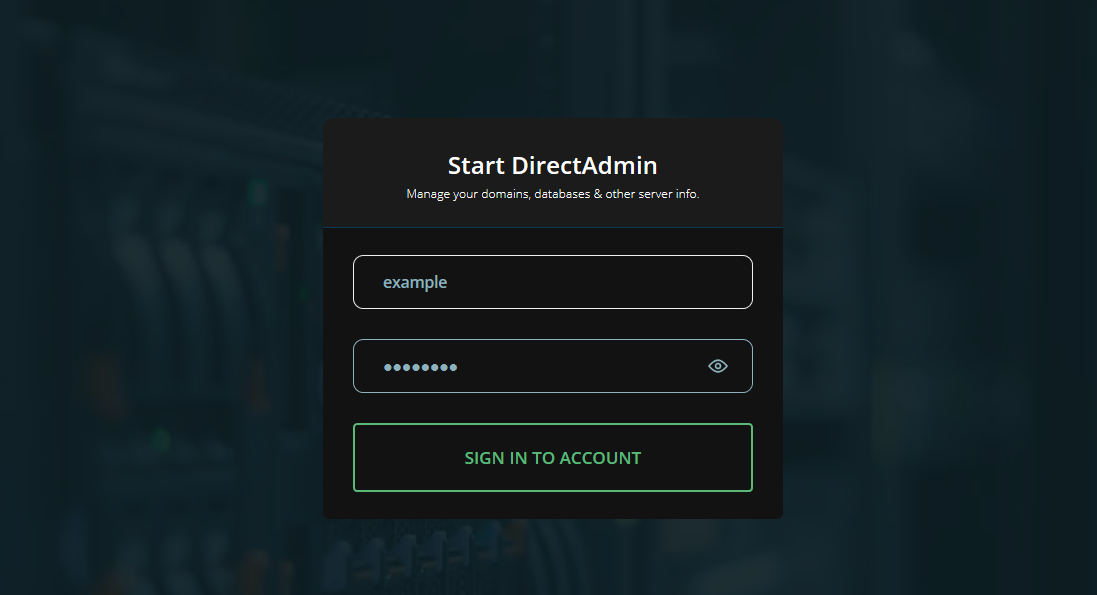
Log in to the DirectAdmin Web Control Panel.
Connect as a user
Connect to your DirectAdmin account as a user.

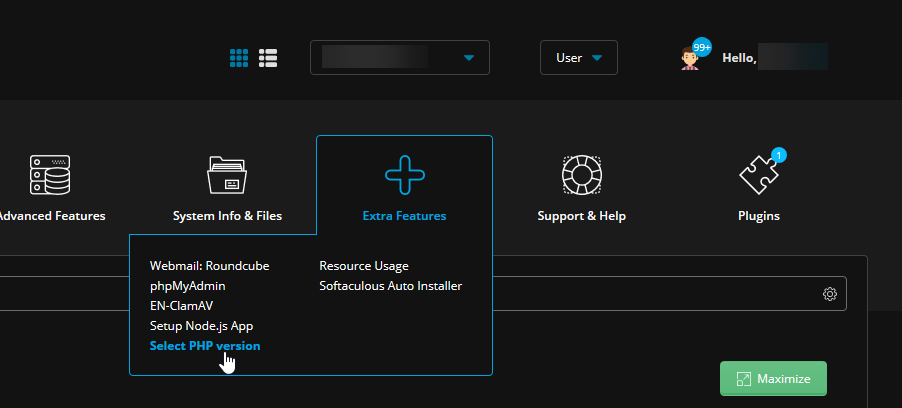
Open Select PHP Version
In the User area, navigate to Extra Features, then Select PHP Version.
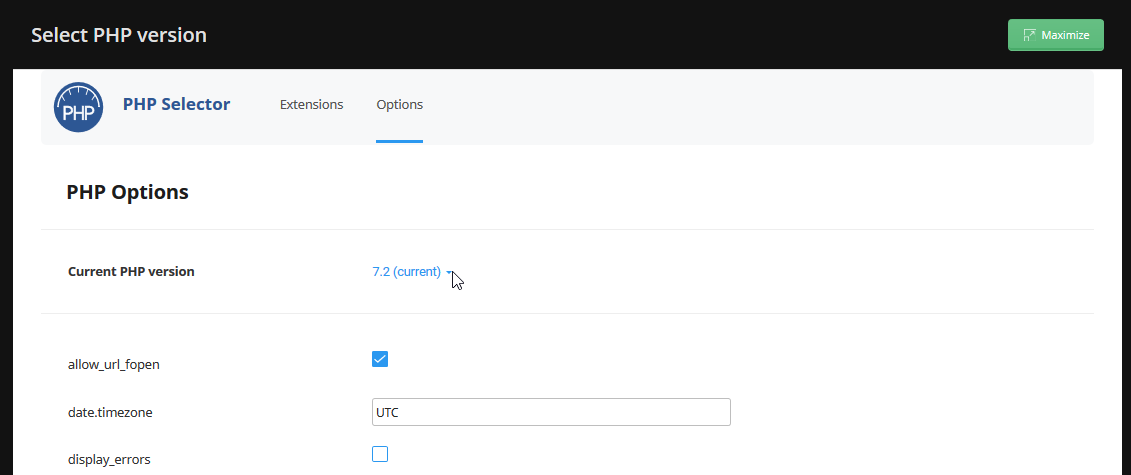
Open the PHP options
Select the PHP options and scroll down to find the settings.
Change the limits
Find upload_max_filesize and post_max_size and set them to the values you need.