

How to Create a Cron Job in DirectAdmin
The cron command-line utility is a job scheduler on Unix-like operating systems. Users who set up and maintain software environments use cron to schedule jobs, also known as cron jobs, to run periodically at fixed times, dates, or intervals.
Create a Cron Job
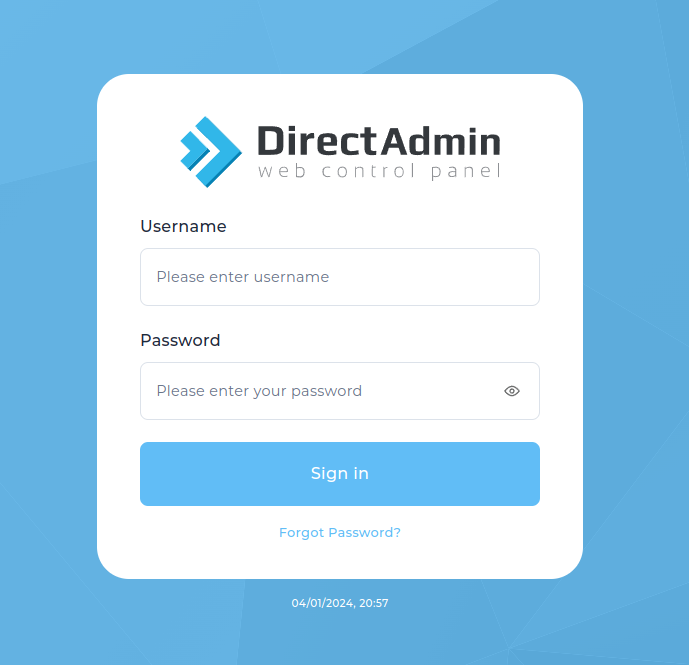
Log in to DirectAdmin
Log in to your DirectAdmin control panel using your username and password.
Open Cron Jobs
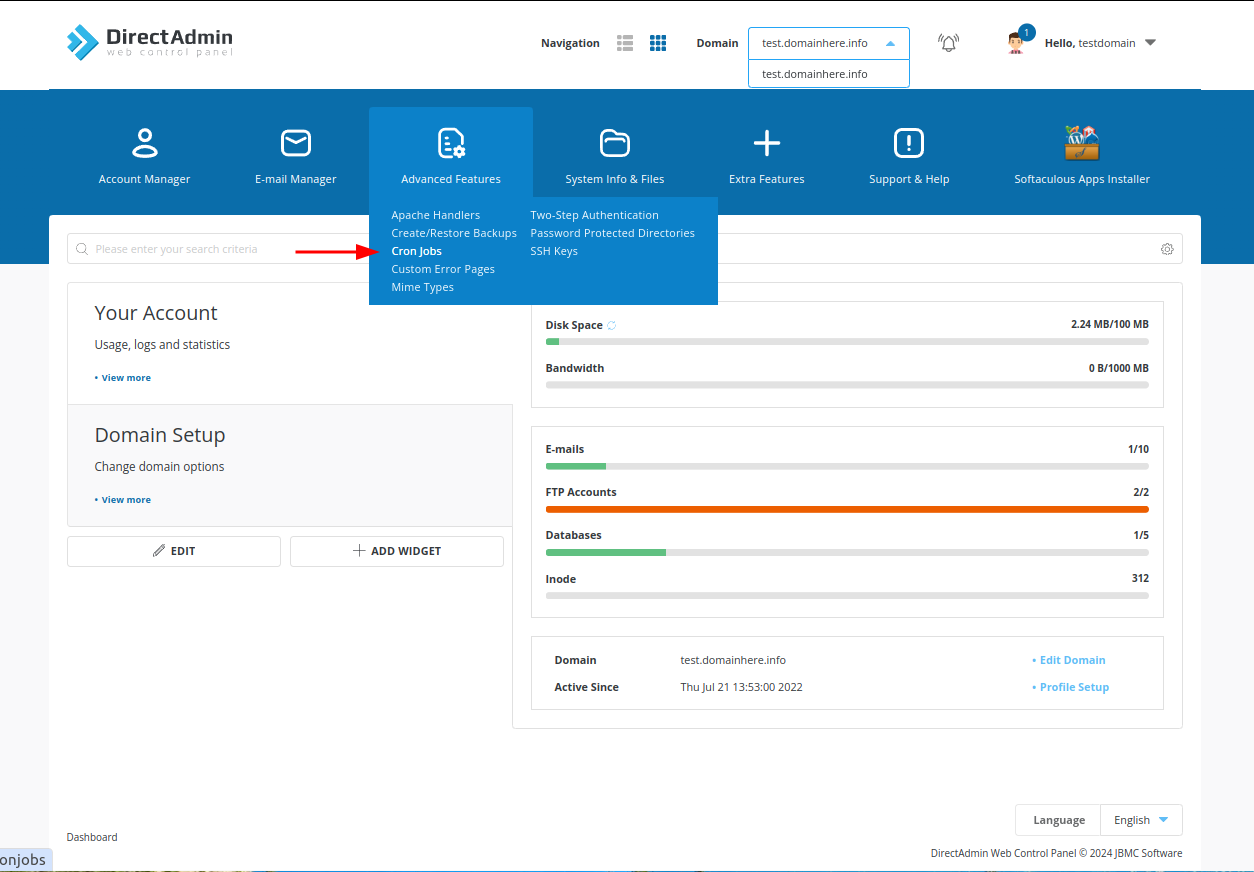
Look for the Advanced Features section and click on Cron Jobs.
Add a new cron job
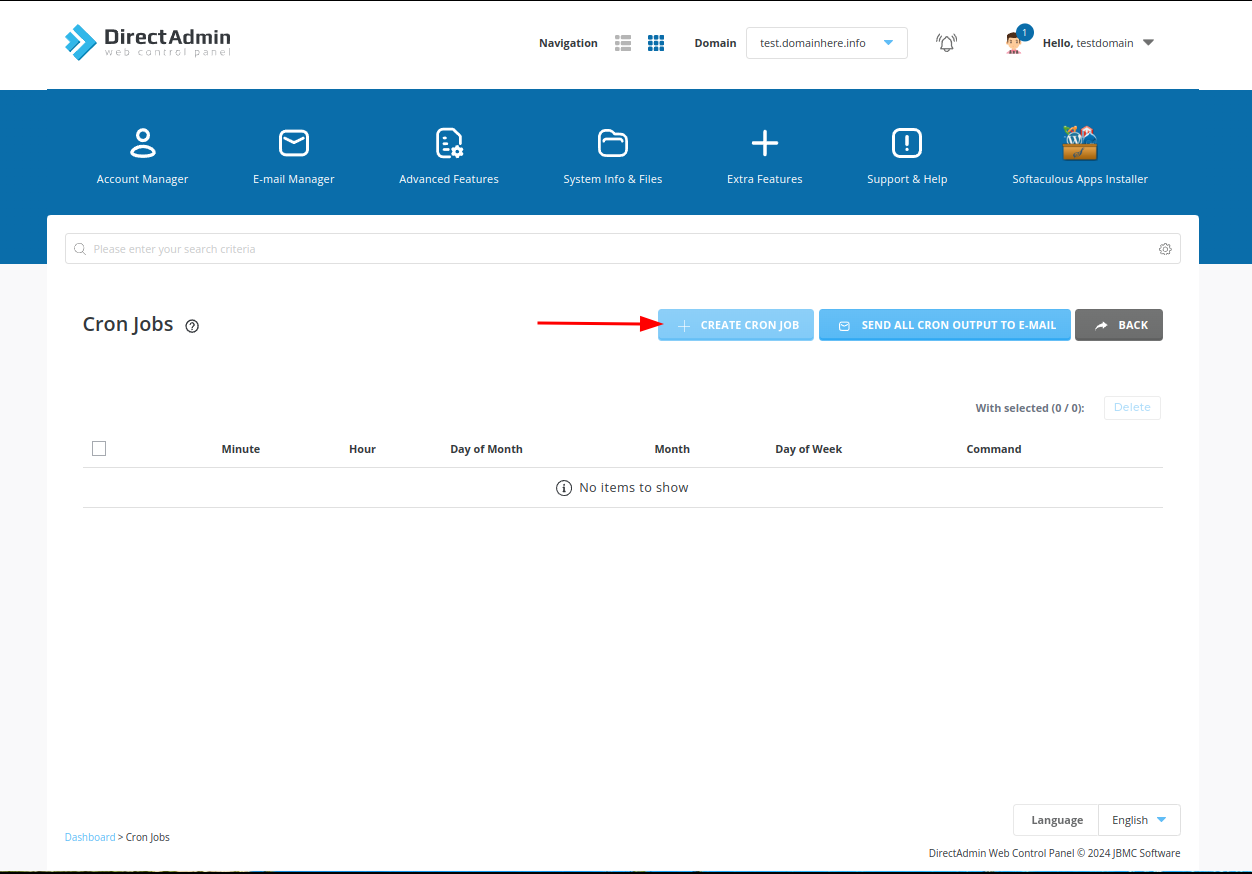
Click on Create a new cron job (or Add a cron job).
Enter the command
Enter the command you want to run. If you're running a PHP script, the command might look like this:
Replace /path/to/your/script.php with the actual path to your PHP script.
Set the schedule
Specify the schedule for the cron job. To run a job every day at a specific time, you might use:
This runs the cron job every day at 1:00 AM. The asterisks in the "Day of month", "Month" and "Day of week" fields mean "every day of the month", "every month" and "every day of the week". See Cron Schedule Format below for all the fields.
You can also use crontab.guru to check or create timings for your requirements.
Add an email address (optional)
You may want to enter your email address to receive notifications about the cron job. This can be helpful for debugging.
Save the cron job
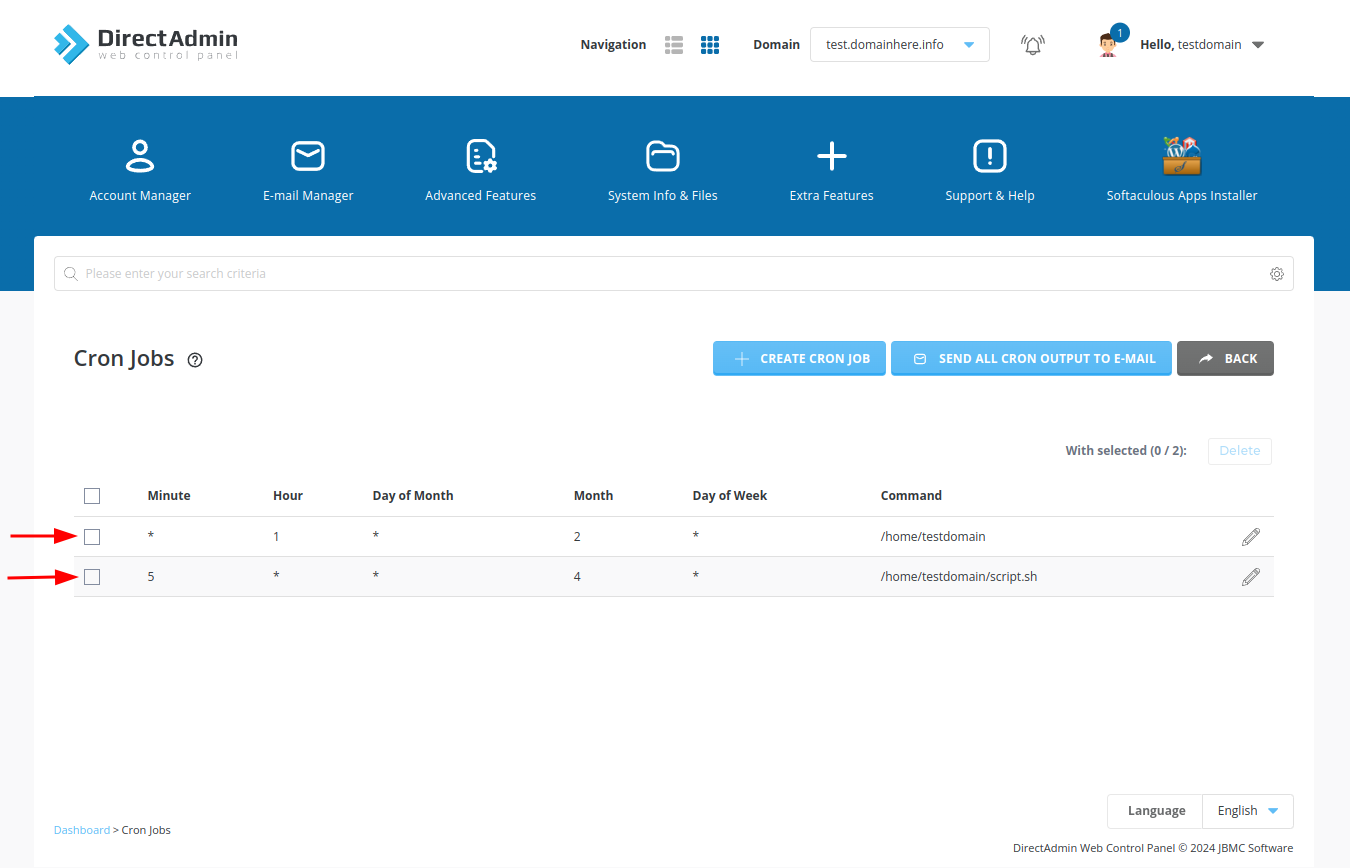
Click on the Add or Save button to create the cron job. Once created, you can check it in the list of cron jobs.
Make sure to replace placeholder values with your actual details.