

How to Create User Accounts Under Reseller in DirectAdmin
This guide explains how to create a new user account from your DirectAdmin reseller account.
Log in to DirectAdmin
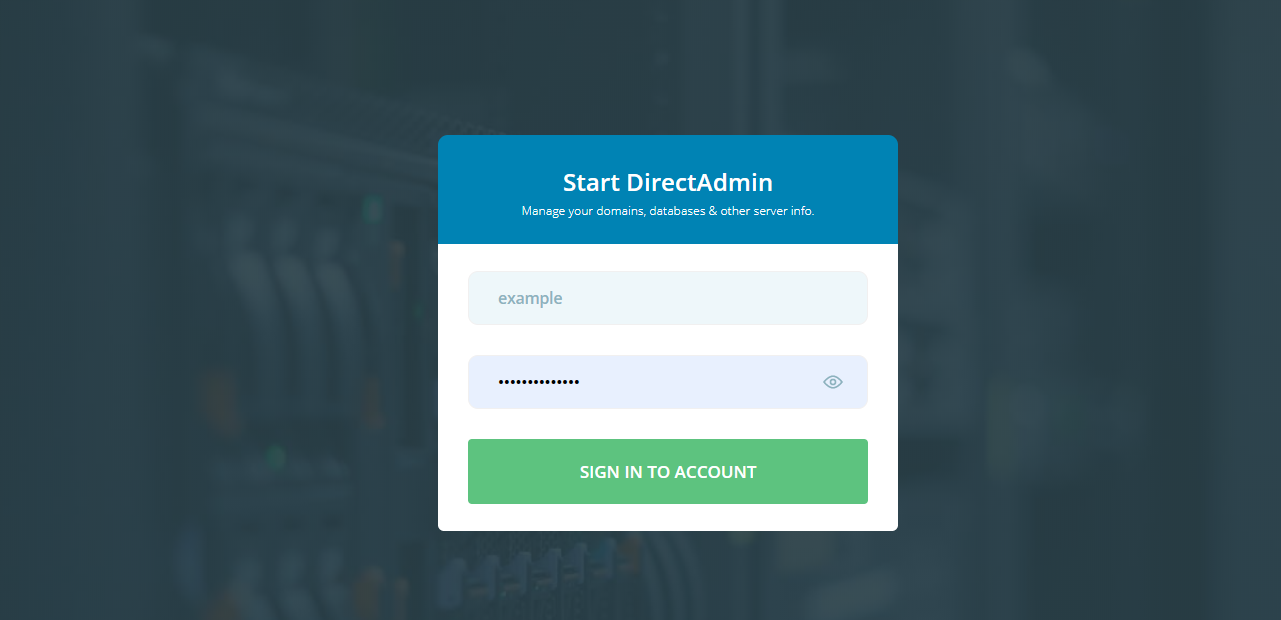
Log in to the DirectAdmin Web Control Panel.
Connect as a reseller
Connect to your DirectAdmin account as a reseller.

Click Add New User
Click on Add New User.

Enter the account details
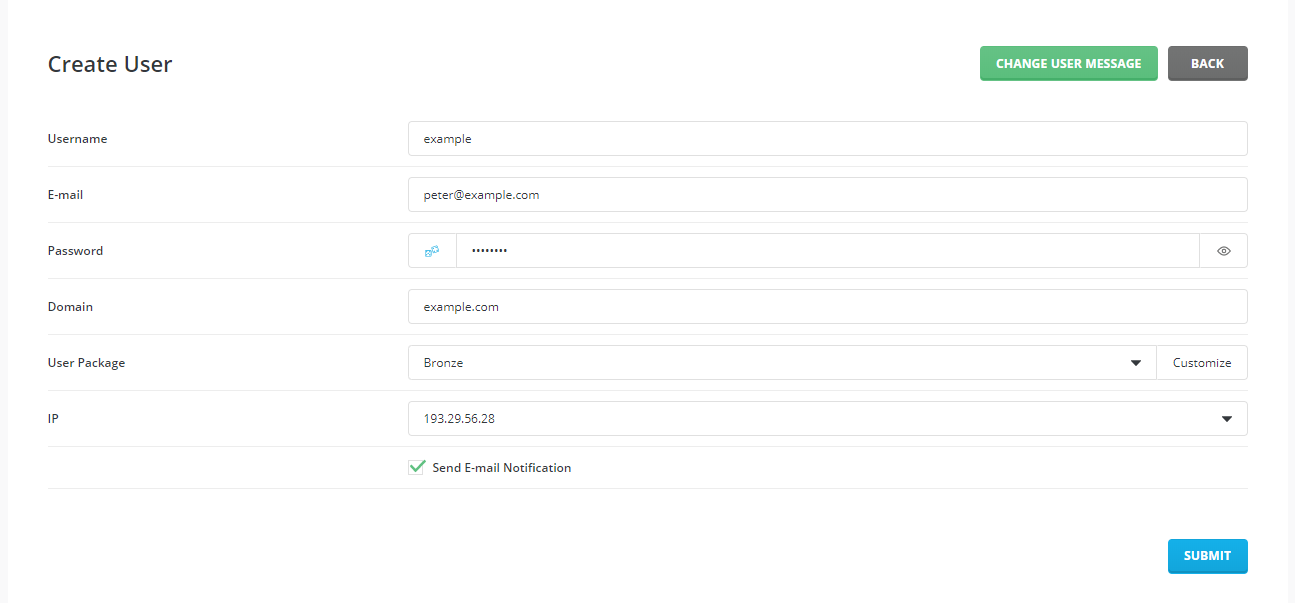
Enter the details for the account: the username, email, password, the domain that will be hosted on this account, the user package to use, and the IP. Then click the Submit button.
Check the confirmation
You will see a confirmation message that the account has been created. You will also see the account in the users list.