How to Change Theme or Layout on DirectAdmin
Log in to your DirectAdmin control panel using your credentials.
Change Refreshed to Standard
Standard is the older theme, preferred by many users for its simplicity and ease of use.
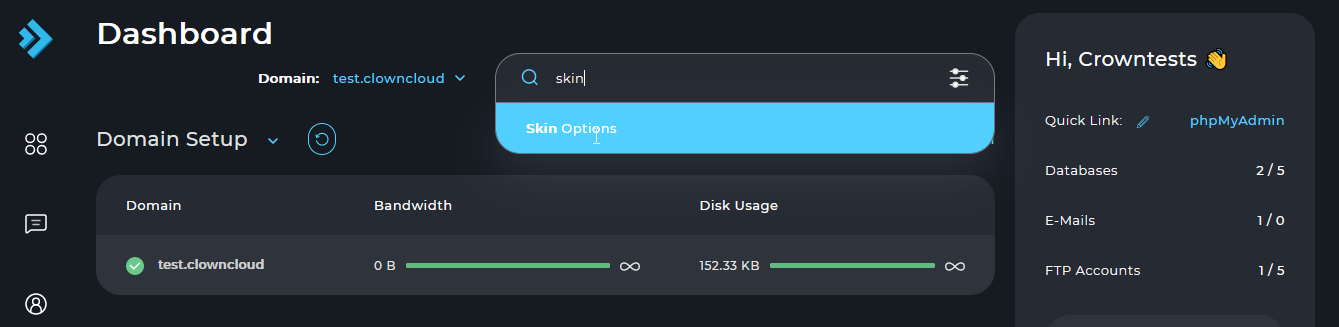
Search for Skin Options
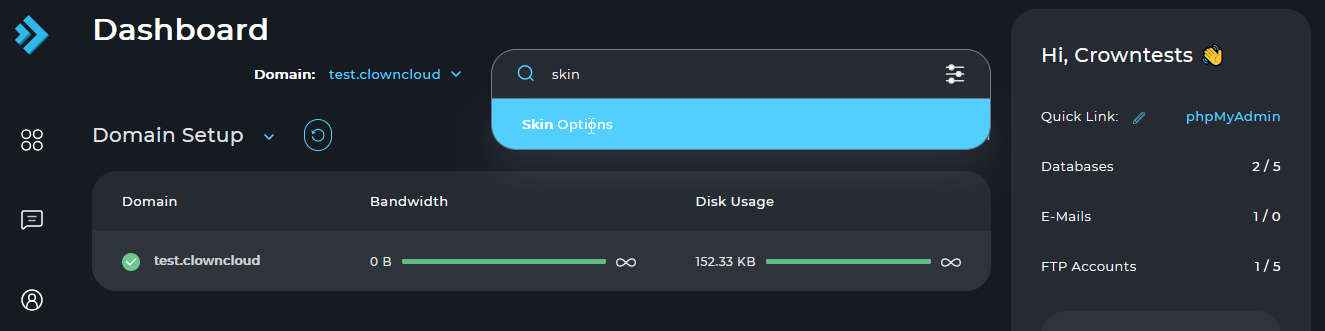
Use the search box in DirectAdmin to find Skin Options.
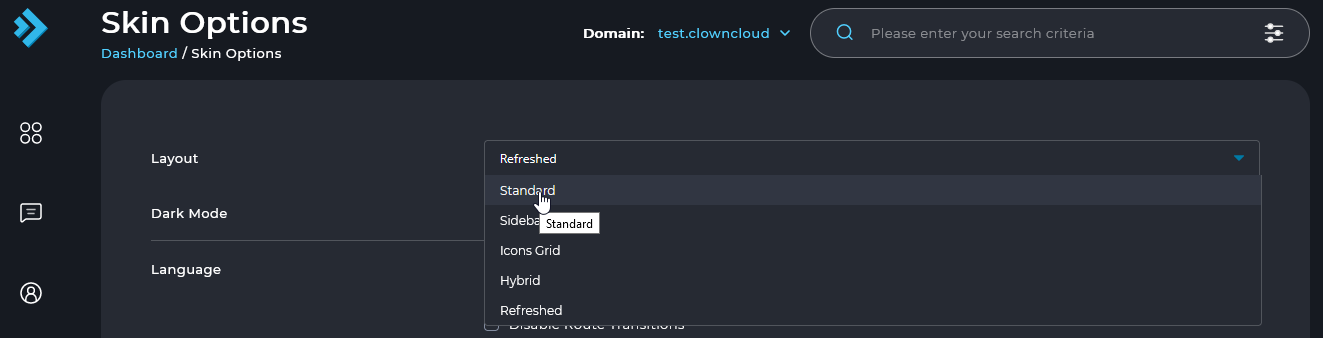
Select Standard
Select the Standard option to switch to the Standard theme.
Change Standard to Refreshed
Refreshed is the newer theme, featuring a modern layout with commonly used features displayed upfront for easier access.
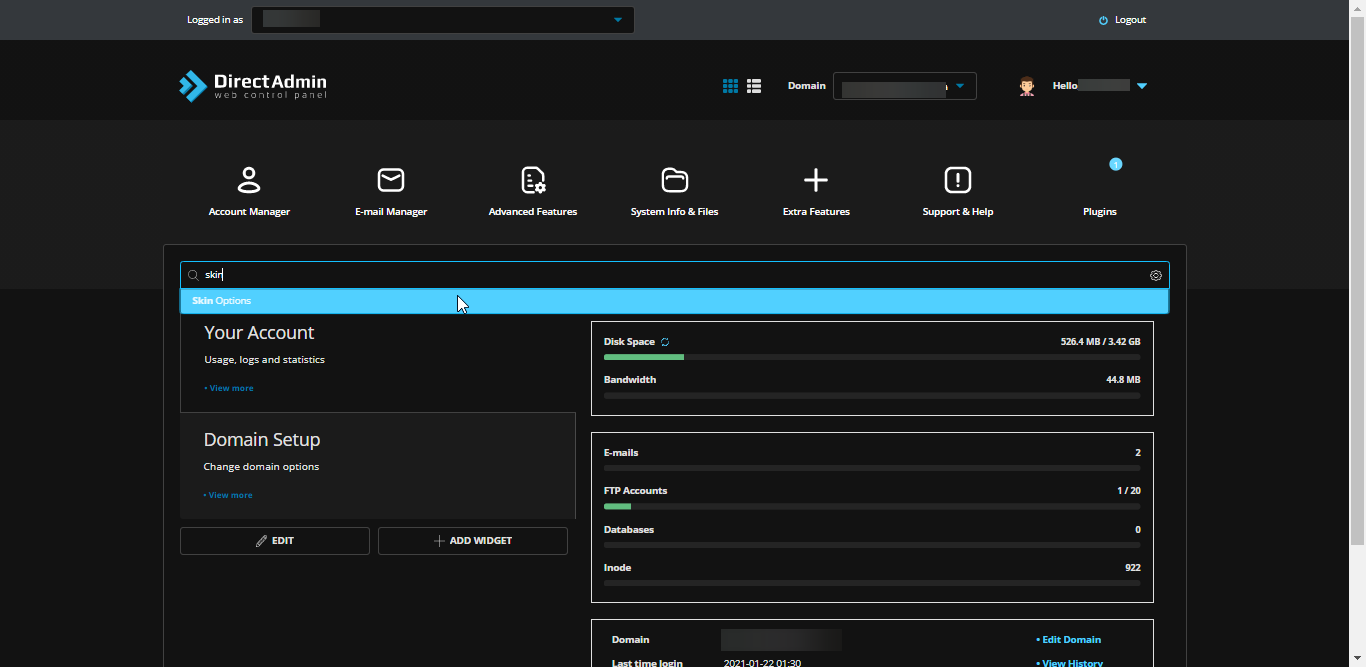
Search for Skin Options
Use the search box in DirectAdmin to find Skin Options.
Select Refreshed
Select the Refreshed option to switch to the Refreshed theme.
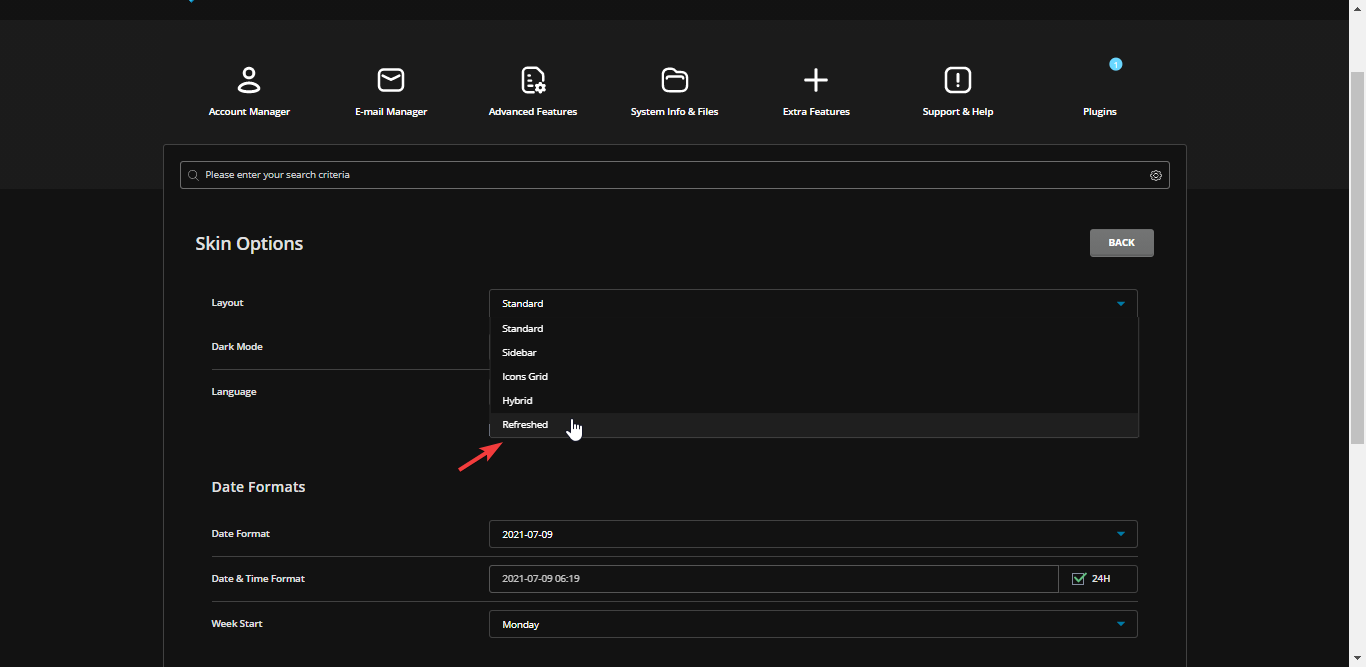
Change Refreshed to Sidebar
Sidebar is a theme that displays commonly used features on the left side of the layout.
Search for Skin Options
Use the search box in DirectAdmin to find Skin Options.
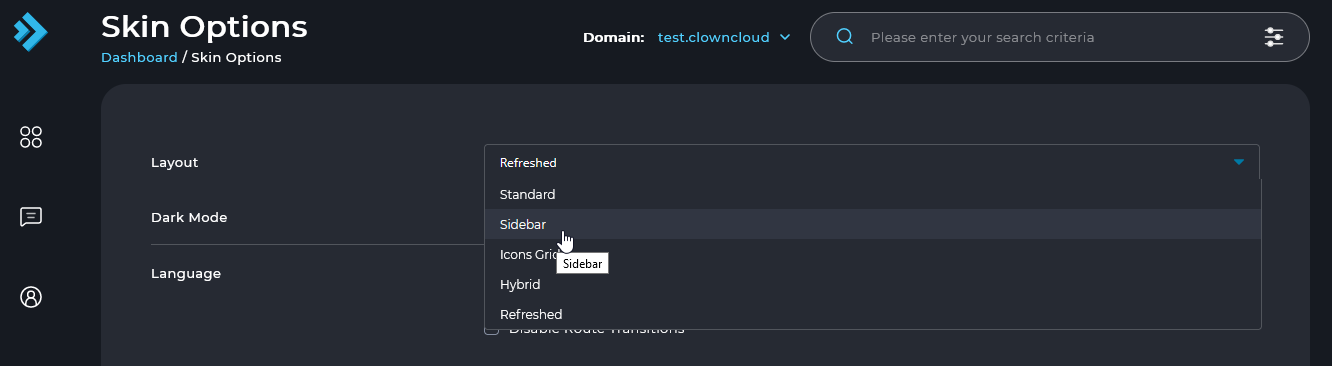
Select Sidebar
Select the Sidebar option to switch to the Sidebar theme.