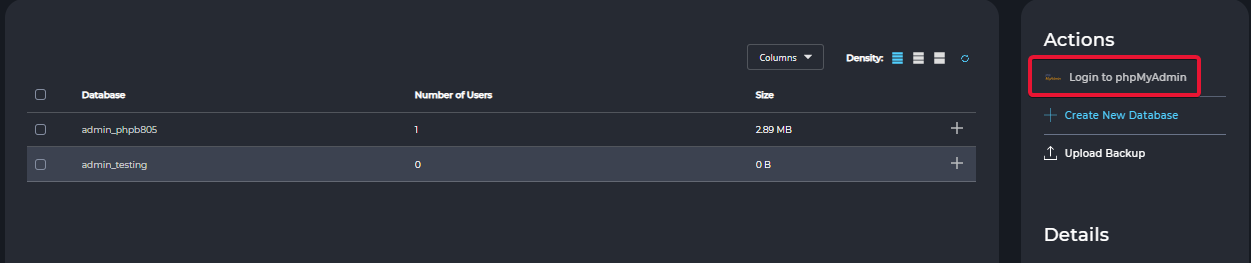
How to Access phpMyAdmin in DirectAdmin
Info
To access phpMyAdmin, you must have at least one database created in your DirectAdmin account.
In the Standard Theme
Click here to show the steps
To use the Standard theme shown in this guide, switch from the Refreshed theme by following How to Change Theme or Layout on DirectAdmin
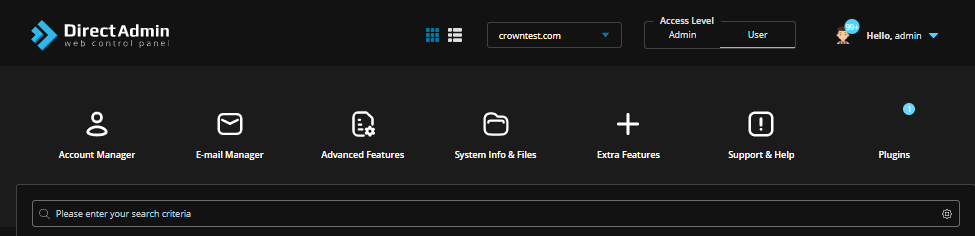
Log in to DirectAdmin
Log in to the DirectAdmin Web Control Panel using your user account credentials.
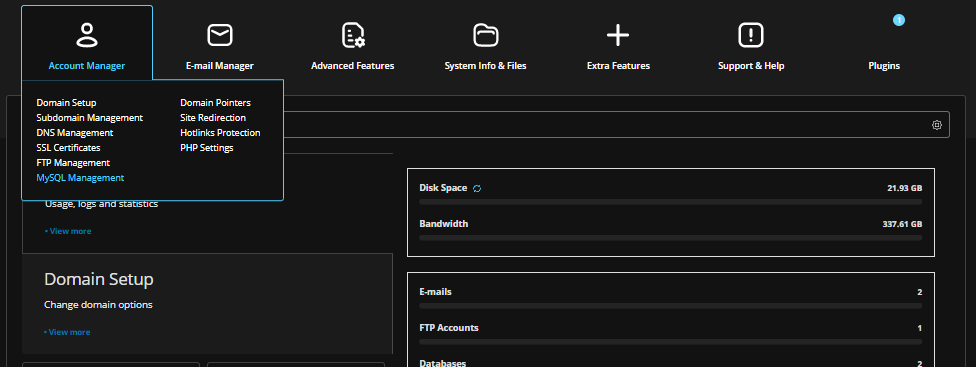
Open MySQL Management
Navigate to Account Manager → MySQL Management.
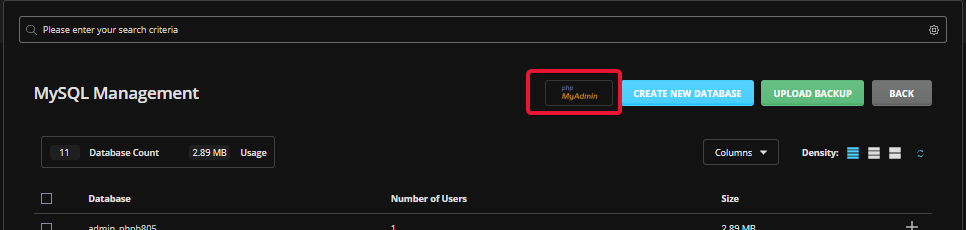
Open phpMyAdmin
Click the phpMyAdmin logo or link to access phpMyAdmin.
In the Refreshed Theme
Log in to DirectAdmin
Log in to the DirectAdmin Web Control Panel using your user account credentials.
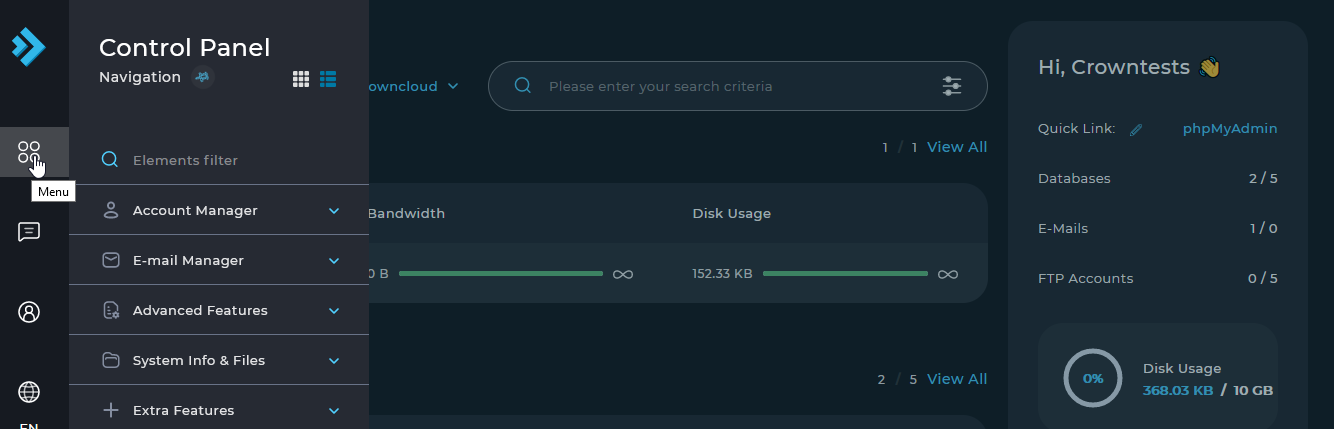
Select Menu from the left sidebar.
Open MySQL Management
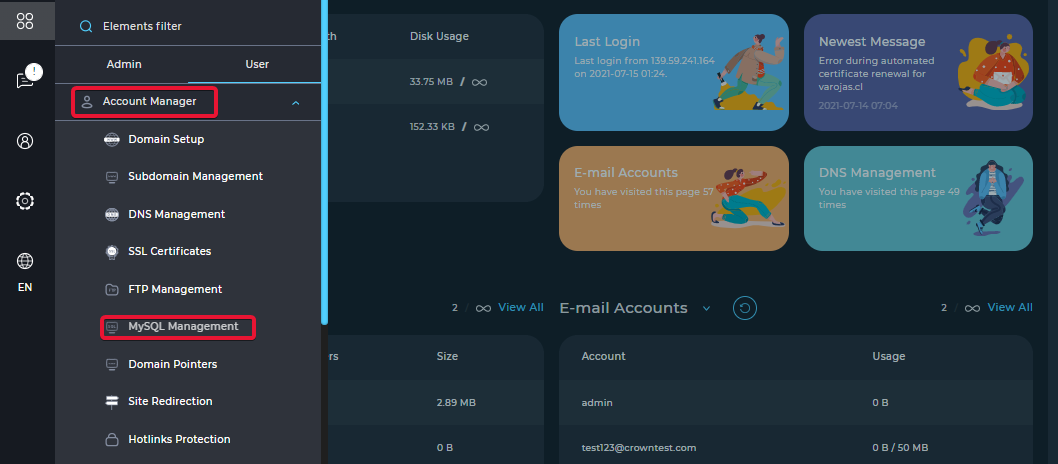
Navigate to Account Manager → MySQL Management.
Open phpMyAdmin
Click the phpMyAdmin logo or link to access phpMyAdmin.