

How to Access the Terminal in DirectAdmin
DirectAdmin includes a built-in web-based Terminal feature that allows users to access the server terminal directly through the DirectAdmin panel, provided SSH access is enabled for the user.
Steps to Access the Terminal in DirectAdmin
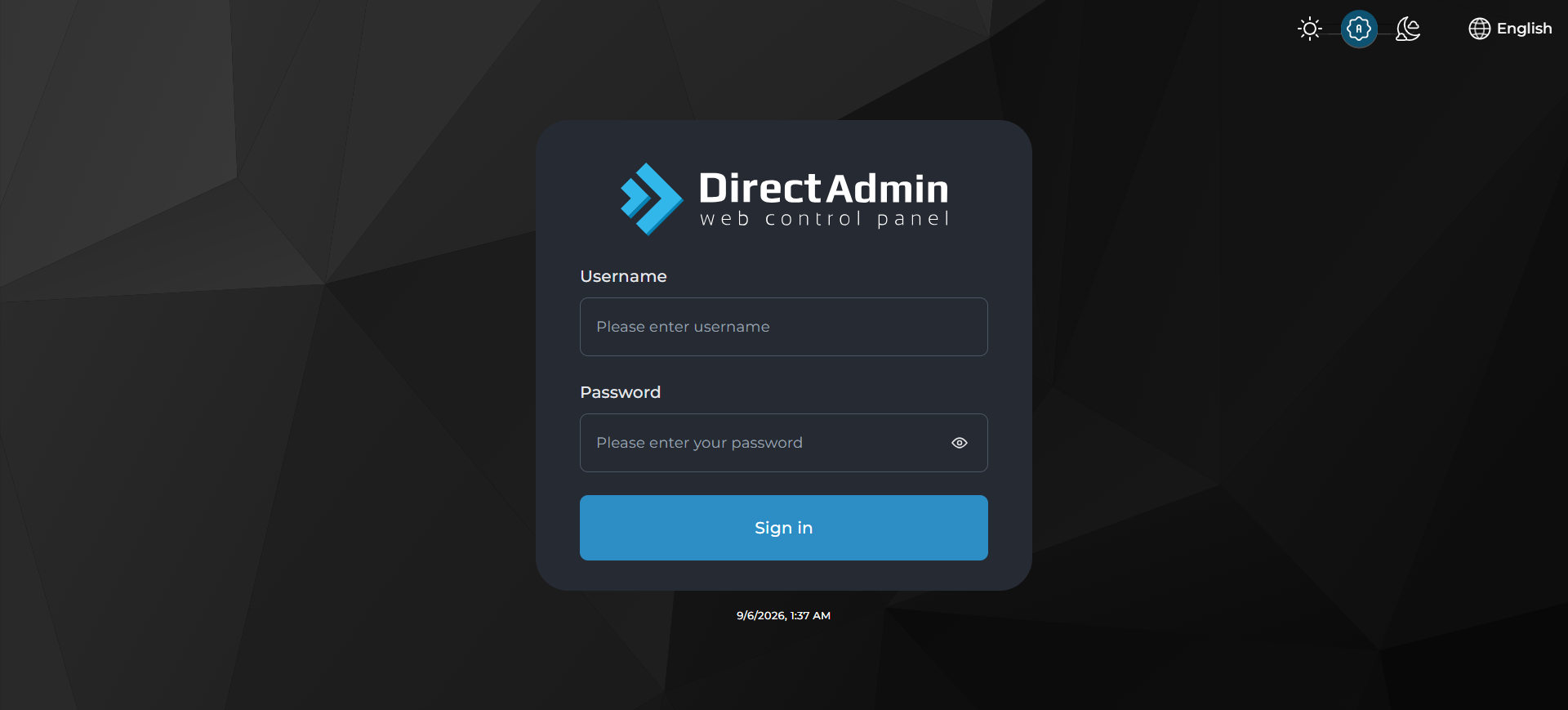
Log in to DirectAdmin
Open your browser and log in to the DirectAdmin control panel using your credentials.
Navigate to System Info & Files
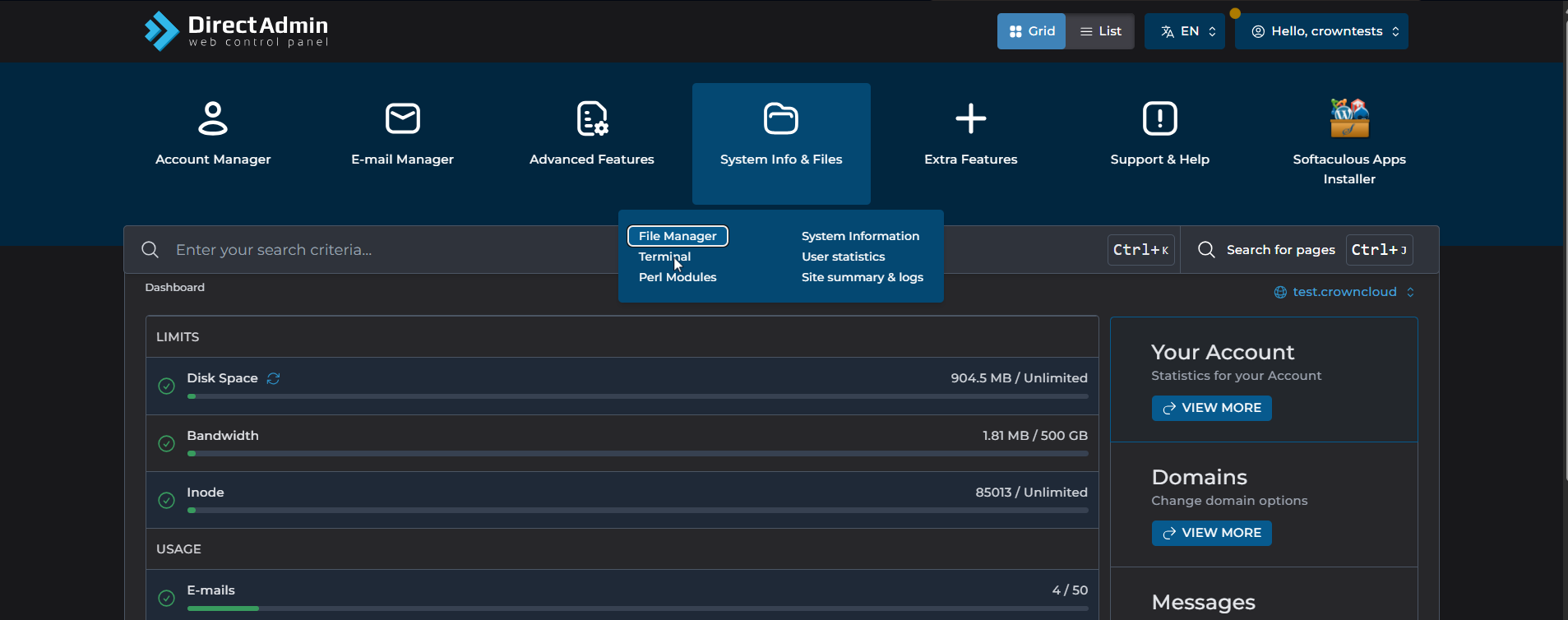
From the main dashboard, scroll down or use the search option to find System Info & Files.
Open Terminal
Under System Info & Files, click Terminal. This will launch a web-based terminal session within your browser.
Start using the Terminal
Once the terminal loads, you can run standard Linux commands directly from your browser.
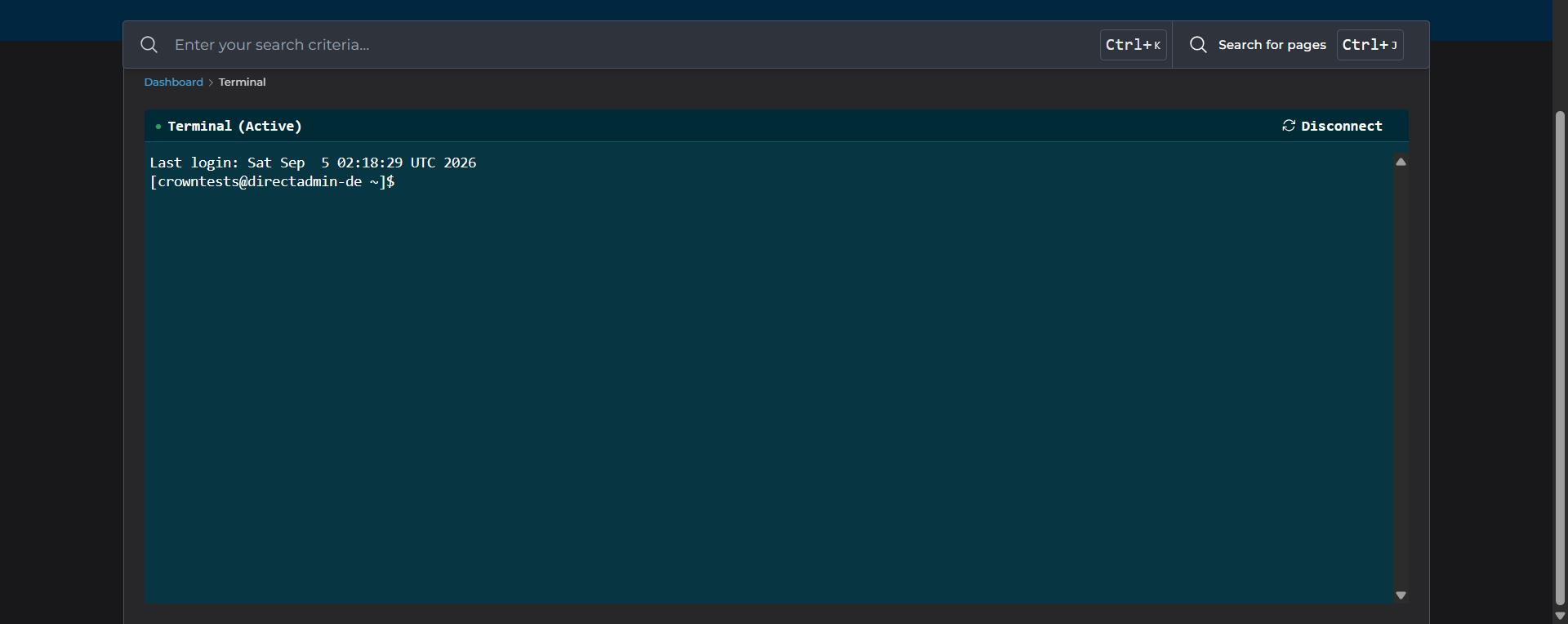
The web-based Terminal is useful for quick server checks, running commands, and performing maintenance tasks.
Notes
Ensure your browser allows pop-ups, as the Terminal may open in a new tab or frame.
If the Terminal option is missing, it may be disabled in DirectAdmin settings, or your account may not have the required access.
Contact your hosting provider to request SSH access and have the Terminal feature enabled for your account.